
This guide assumes that you have already opened up the ERS-1000's body. If you haven't, then follow my guide on how to do that first and then return to this guide.
このガイドは、ERS-1000本体を既に開けていることを前提としています。まだ開けていない場合は、まず私のガイドに従って開け方を確認してから、このガイドに戻ってください。
Disconnecting and Unmounting the Unit
This section will cover removing the touch sensor and camera module from the back.
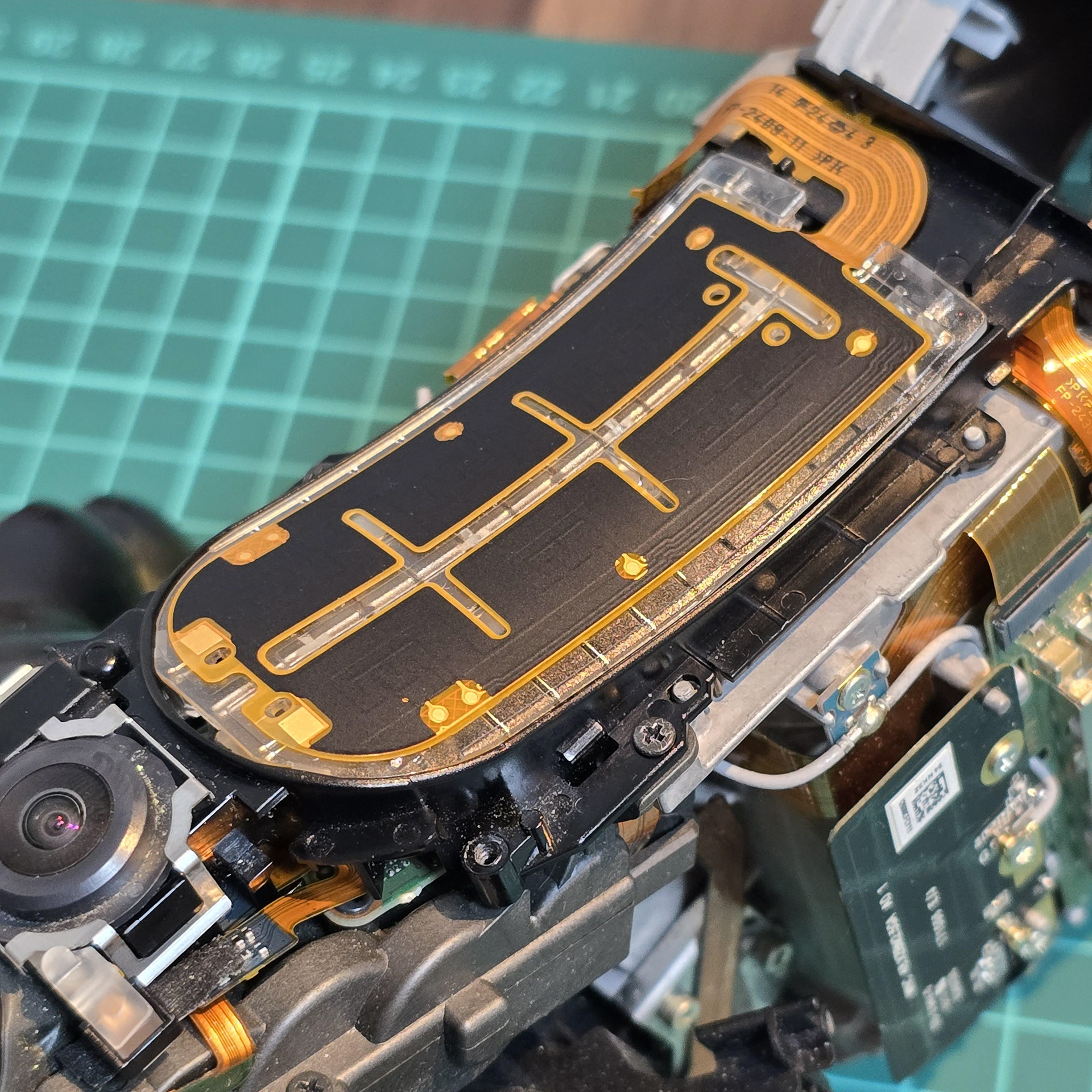
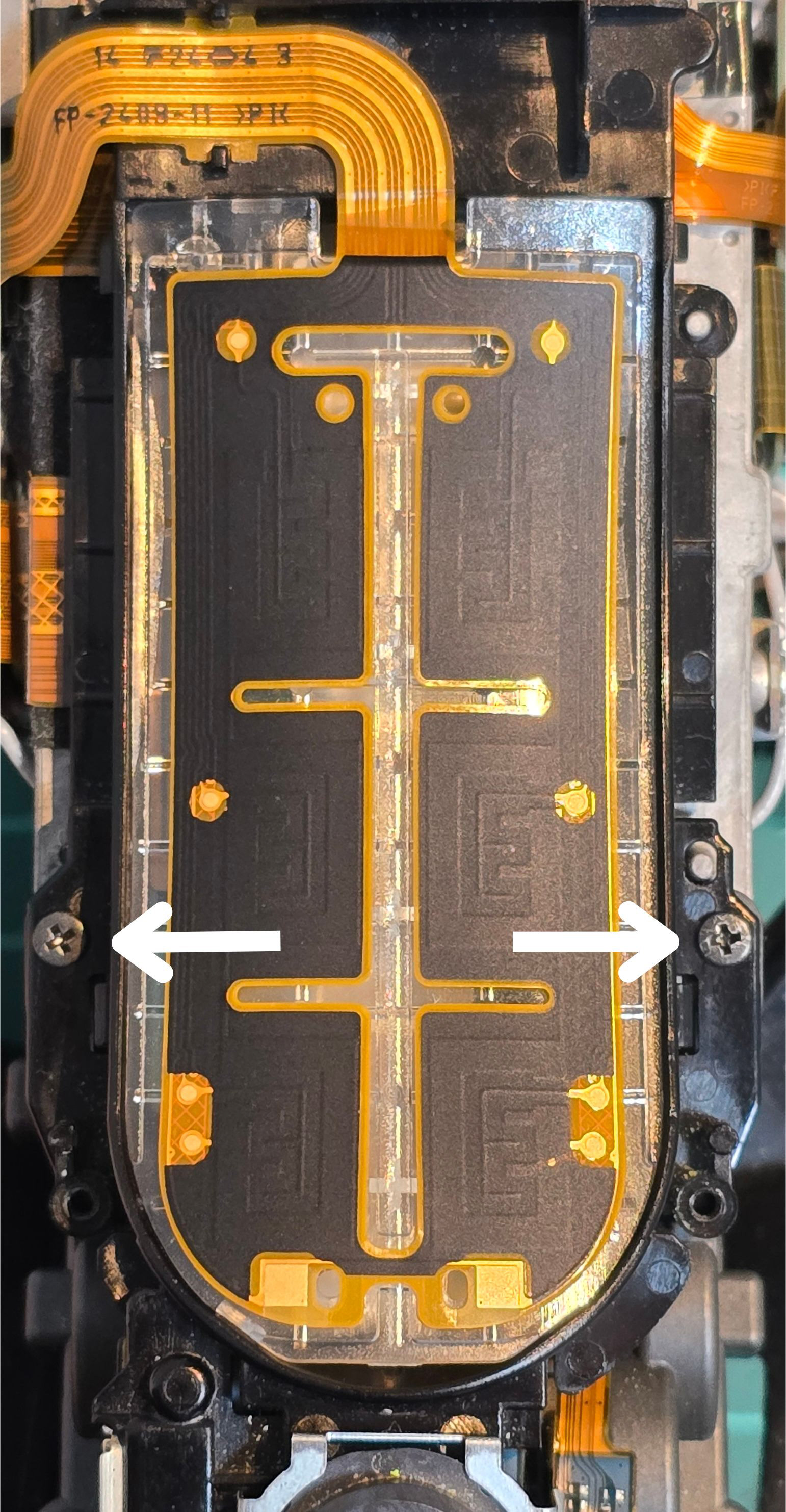
First remove the two screws (one each side). ^^^
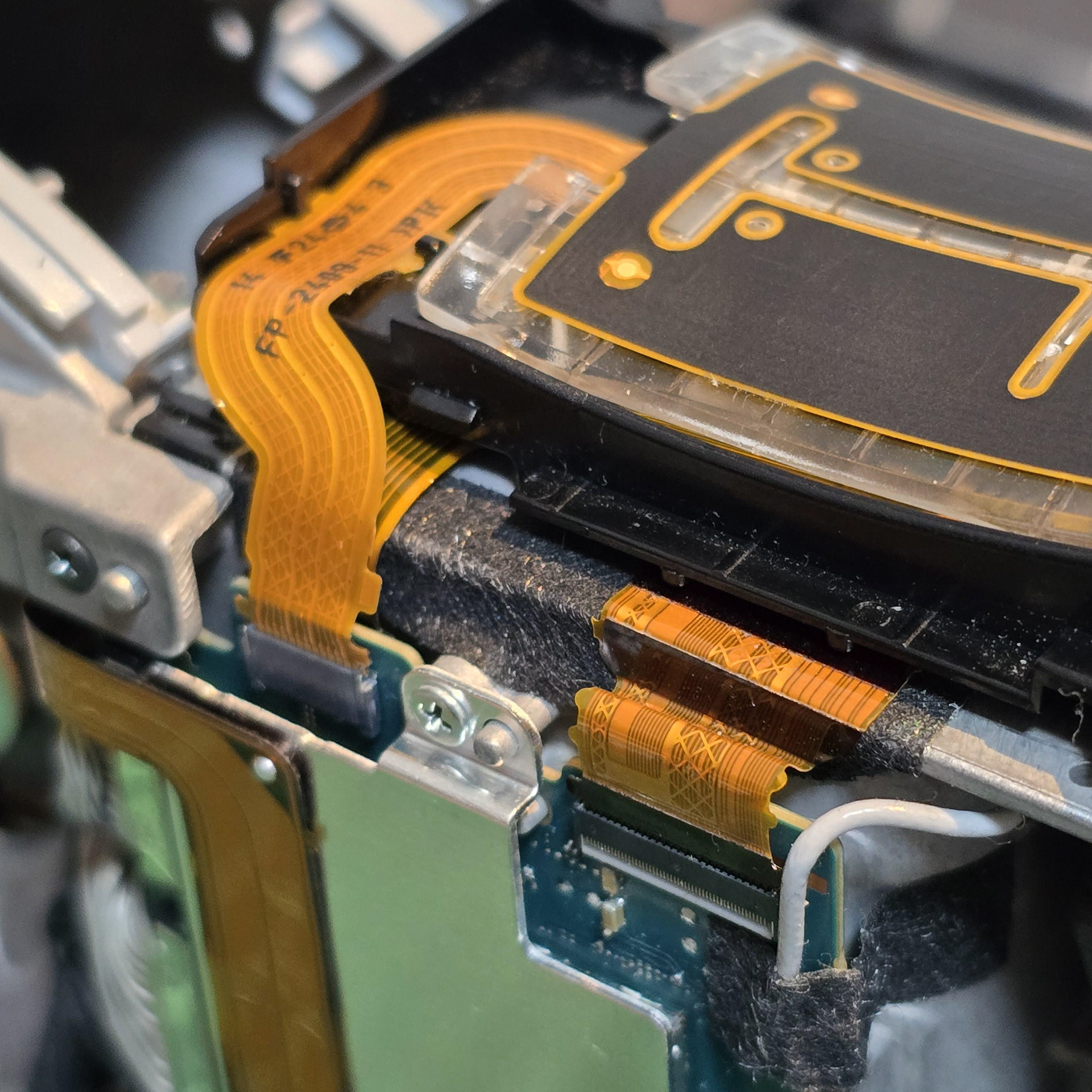
Next, we are going to unplug these 3 connectors on the left side of the aibo body.
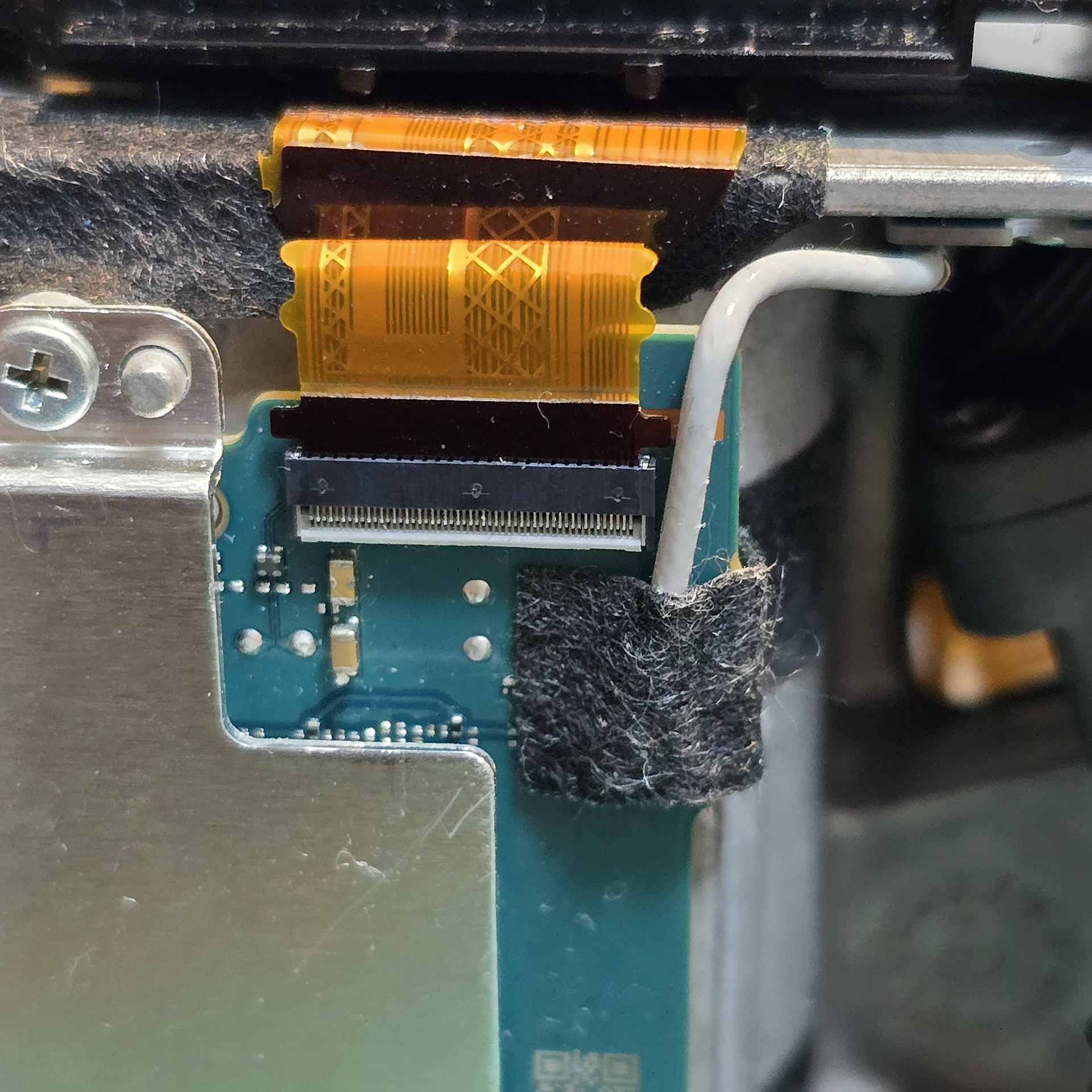
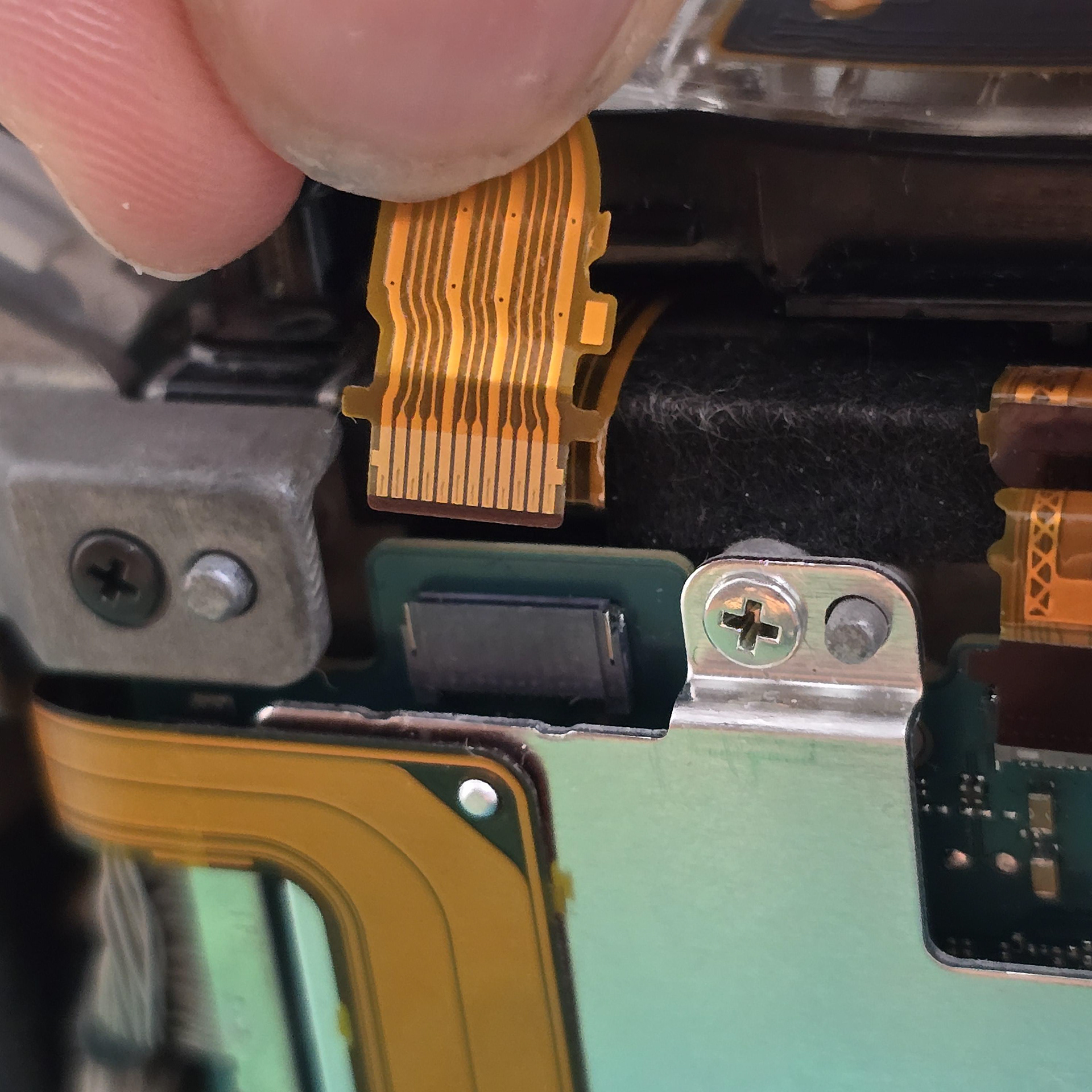
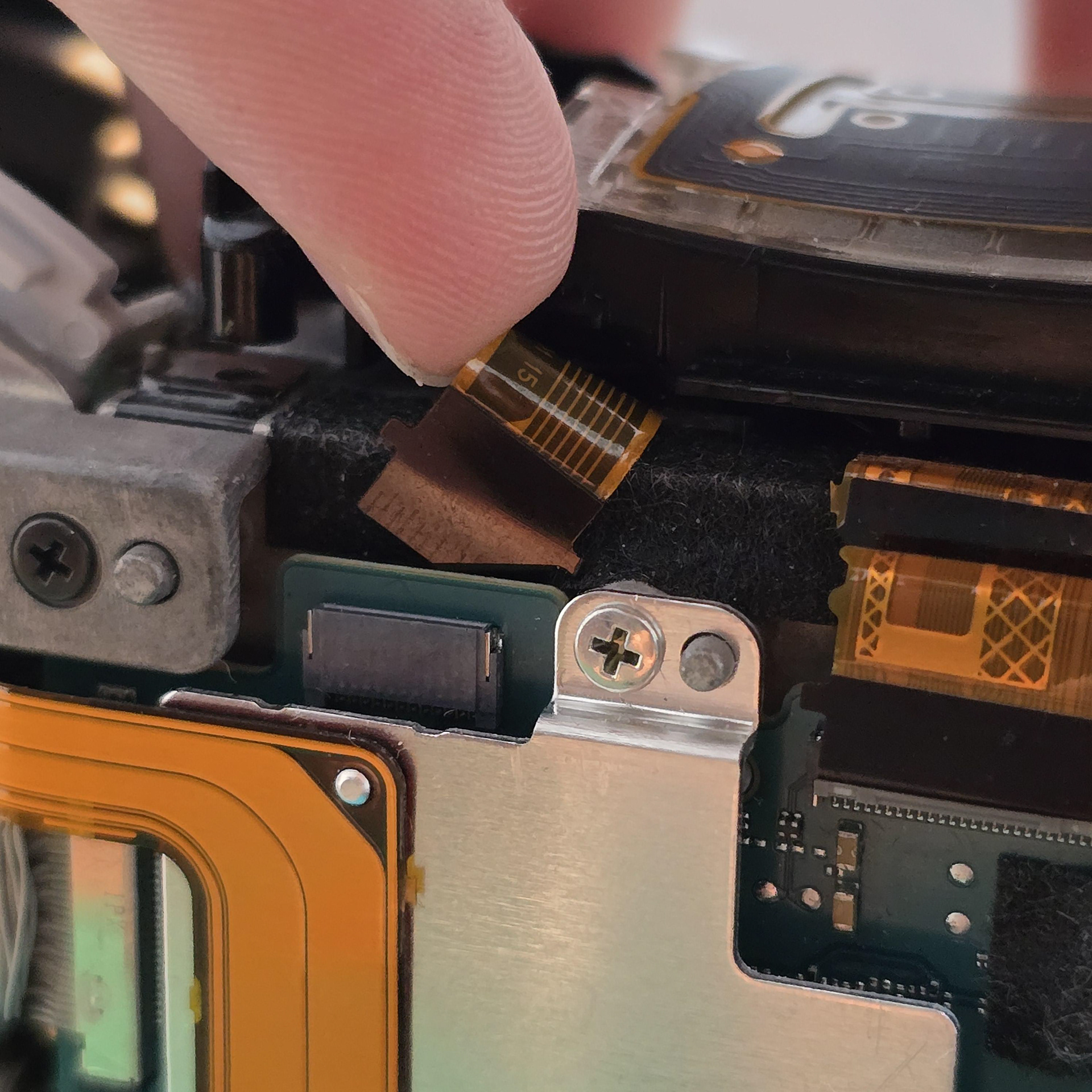
The long one requires you to open the connector by flipping the tiny grey plastic bar up with your finger nail or a pry tool. Once you do that you can remove it. The other two can be simply pulled out.
Once that is done, you can remove the whole touch sensor/camera array from the back.
Removing the Back Sensor, USB, Ambient Sensor and SLAM Camera from the Black Plastic Mount + Disassembly.
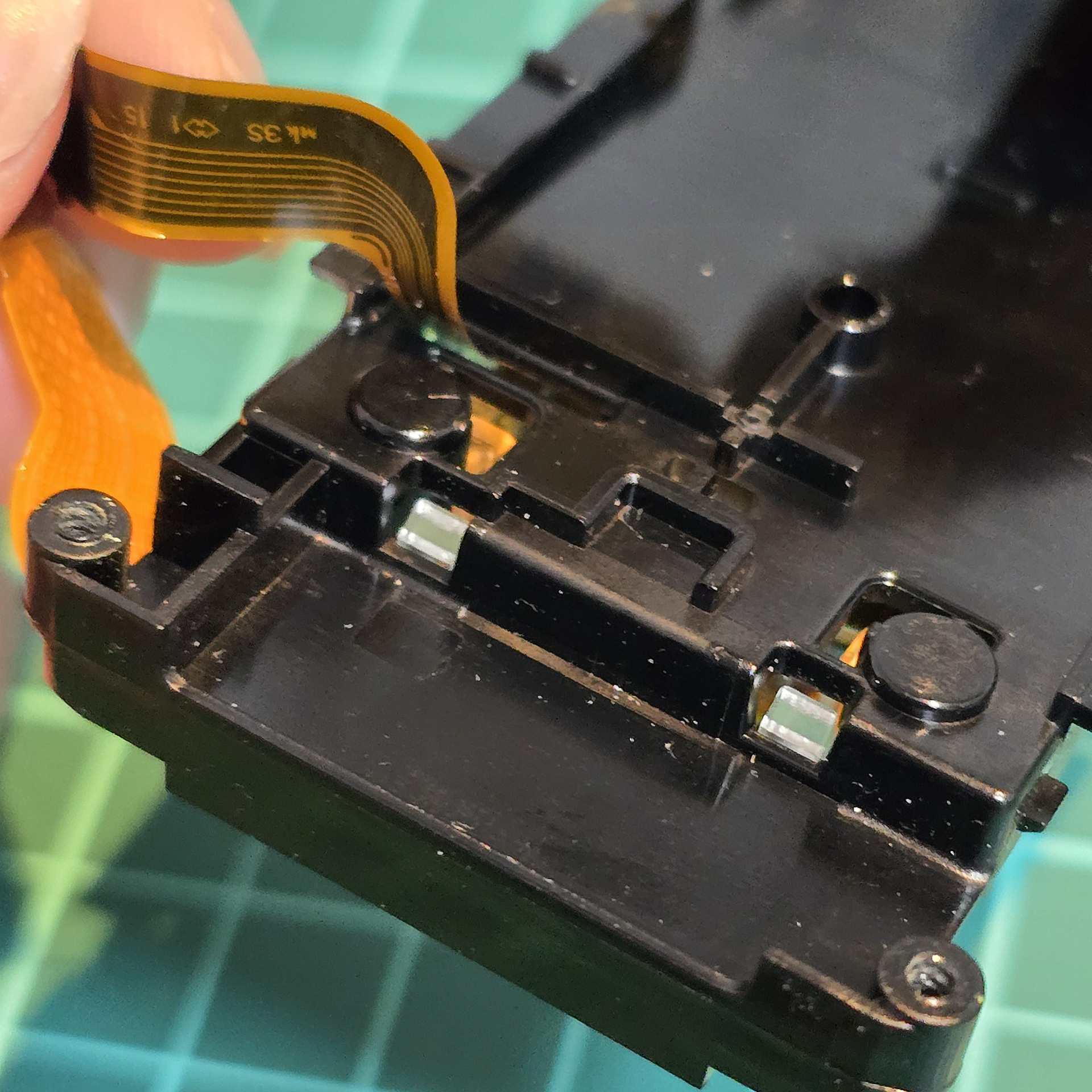
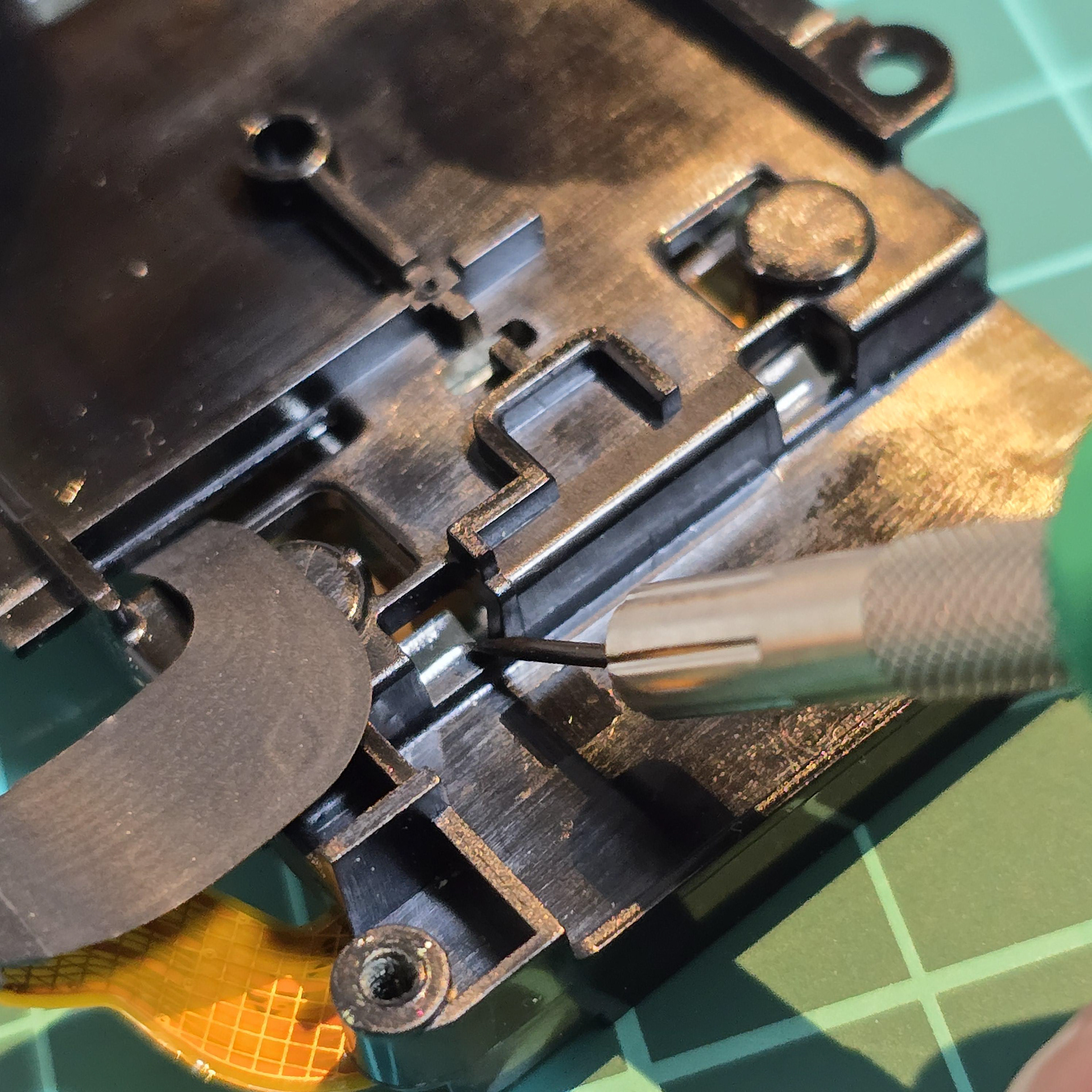
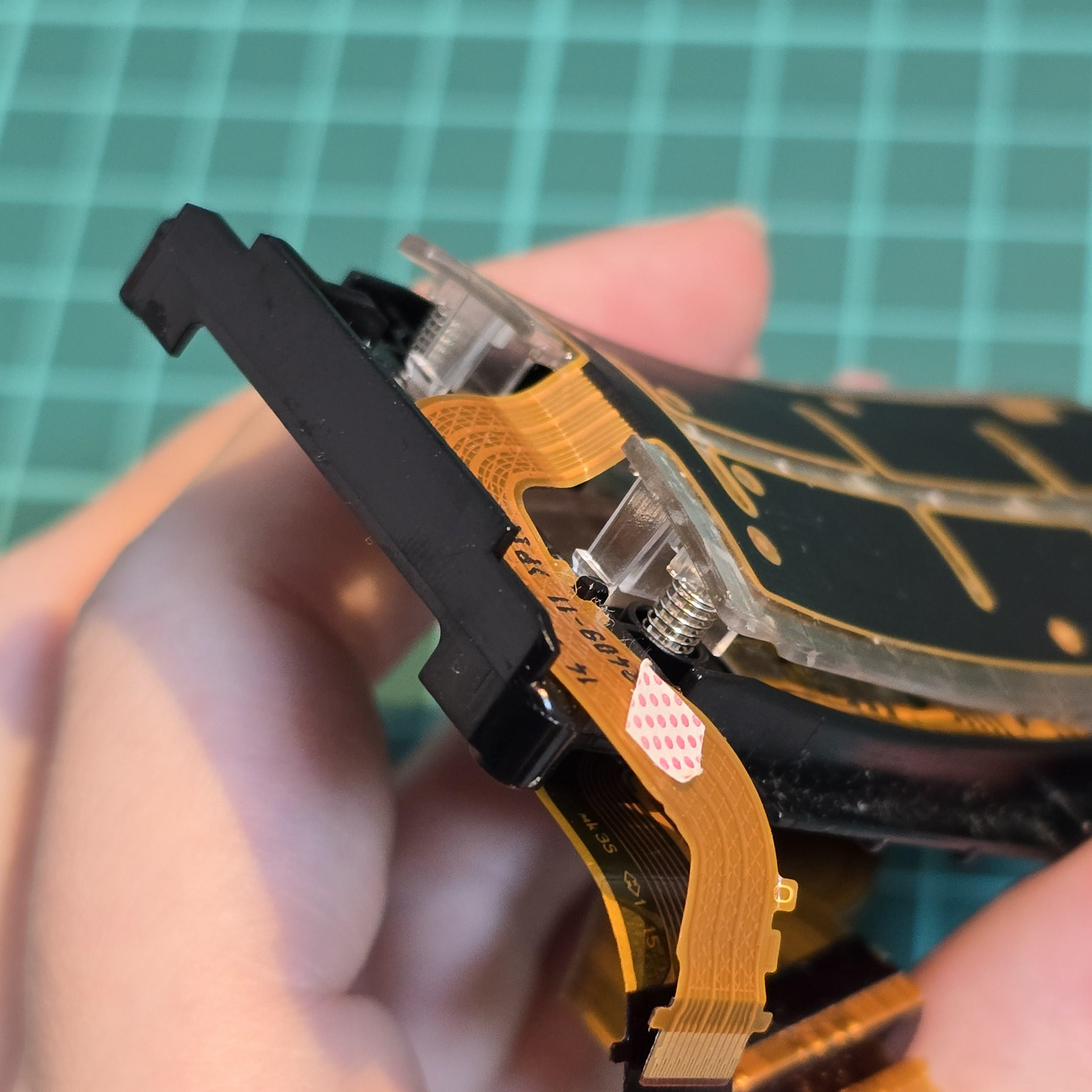
Next flip the array over. There are clear plastic tabs holding the back sensor onto the black plastic. To remove the back sensor, push these tabs inwards with a tool or screwdriver tip to unclip it.
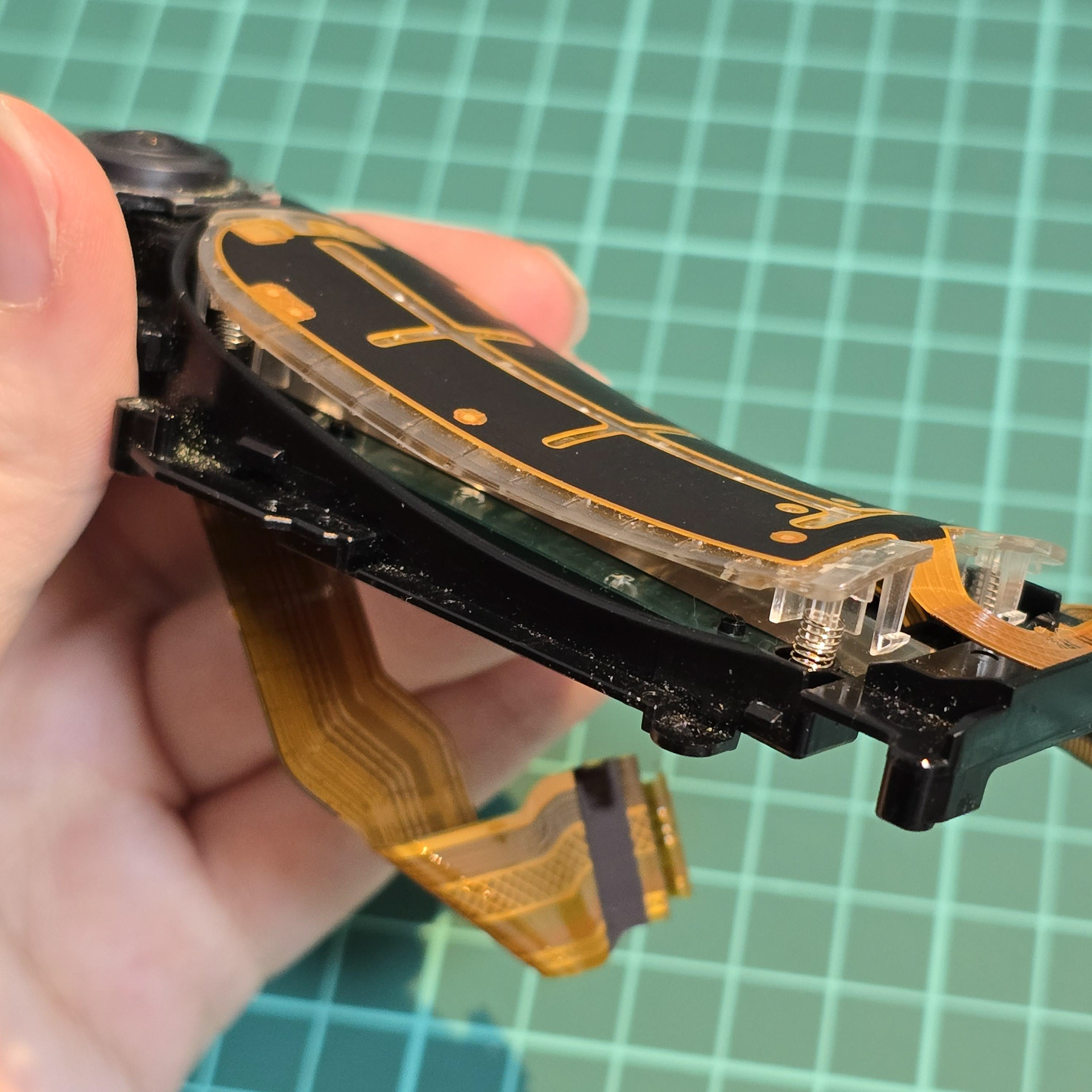
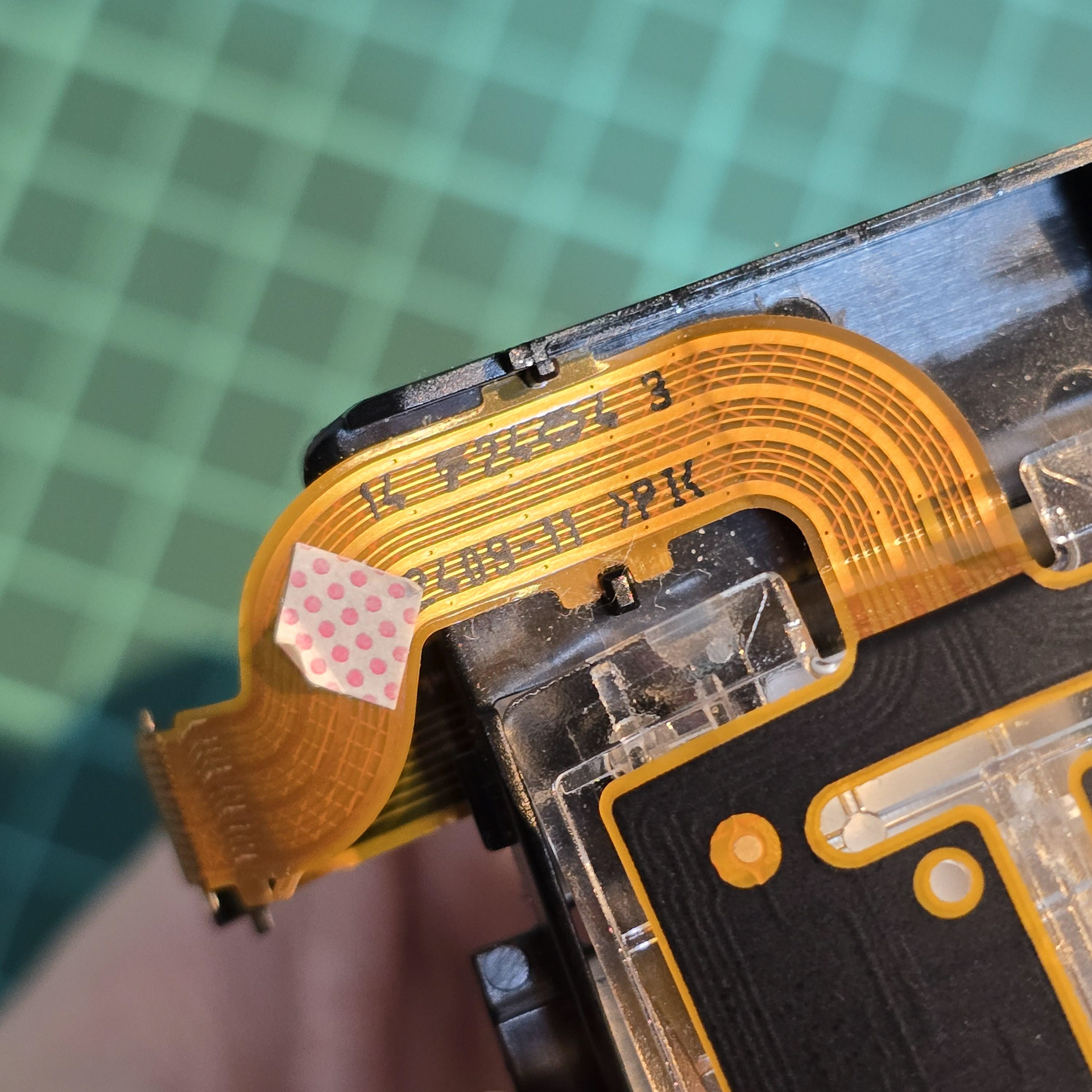
Once all of the clear tabs have been unhooked, turn to the gold flexible cable at the front. This is held down with adhesive tape, so slowly peel it off the black plastic. Ignore the square sticker with pink dots, that is just water indicator paper.
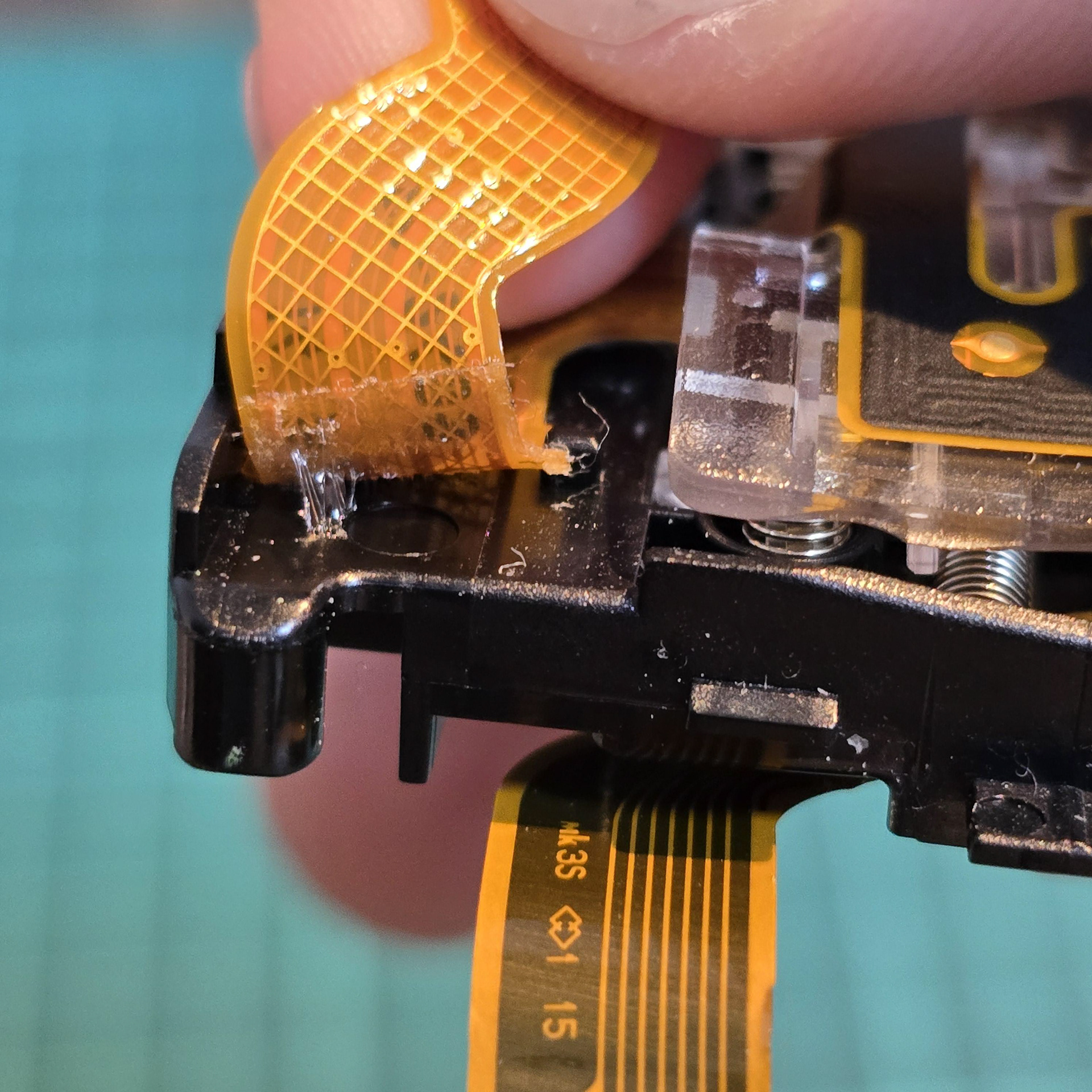
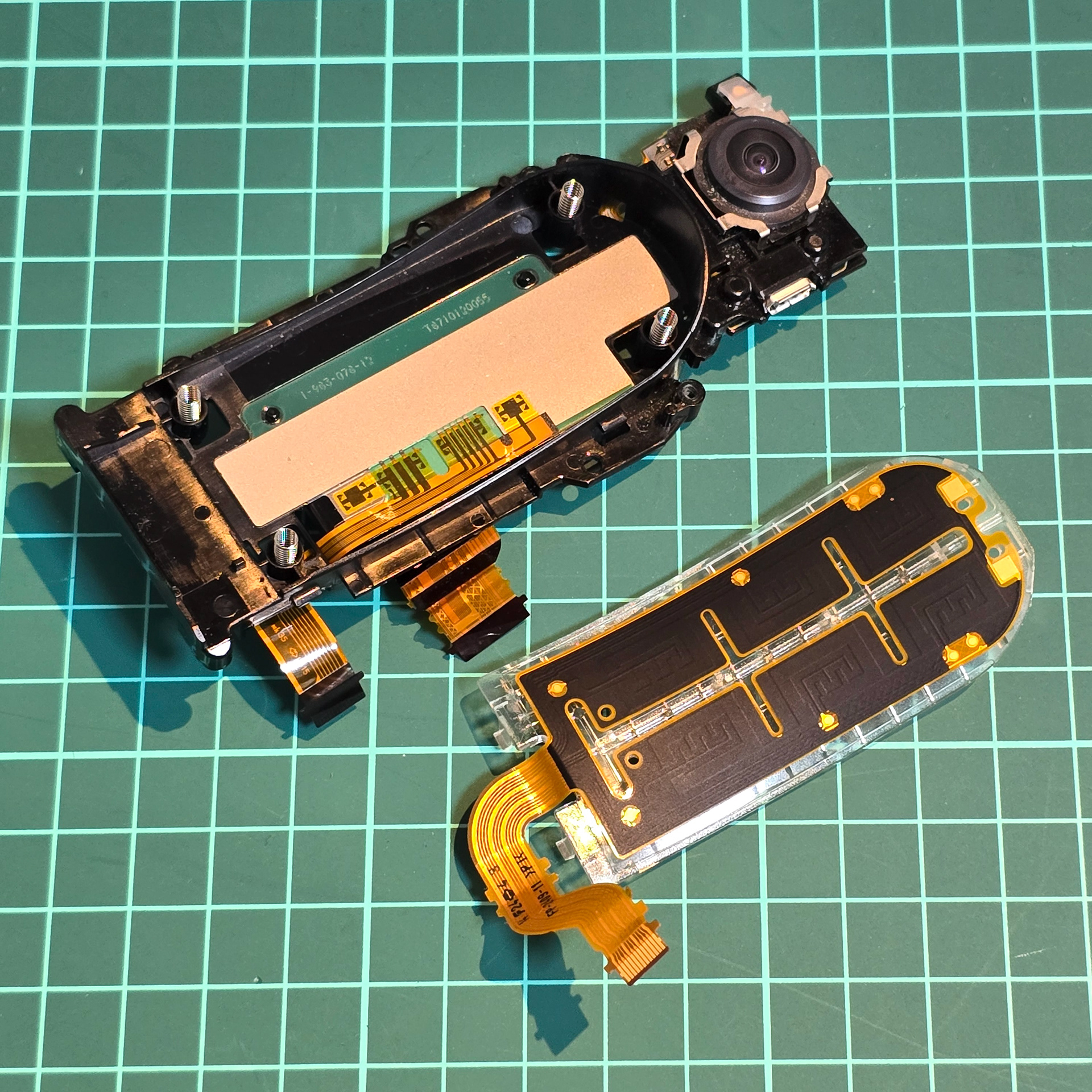
When peeling, be careful of tabs in the middle - make sure to gently unhook the cable from them once you deal with the adhesive. Then, gently lift the back sensor off the black plastic, taking note of the 4 springs underneath. Make sure not to drop/loose them, so keep them in a safe place.
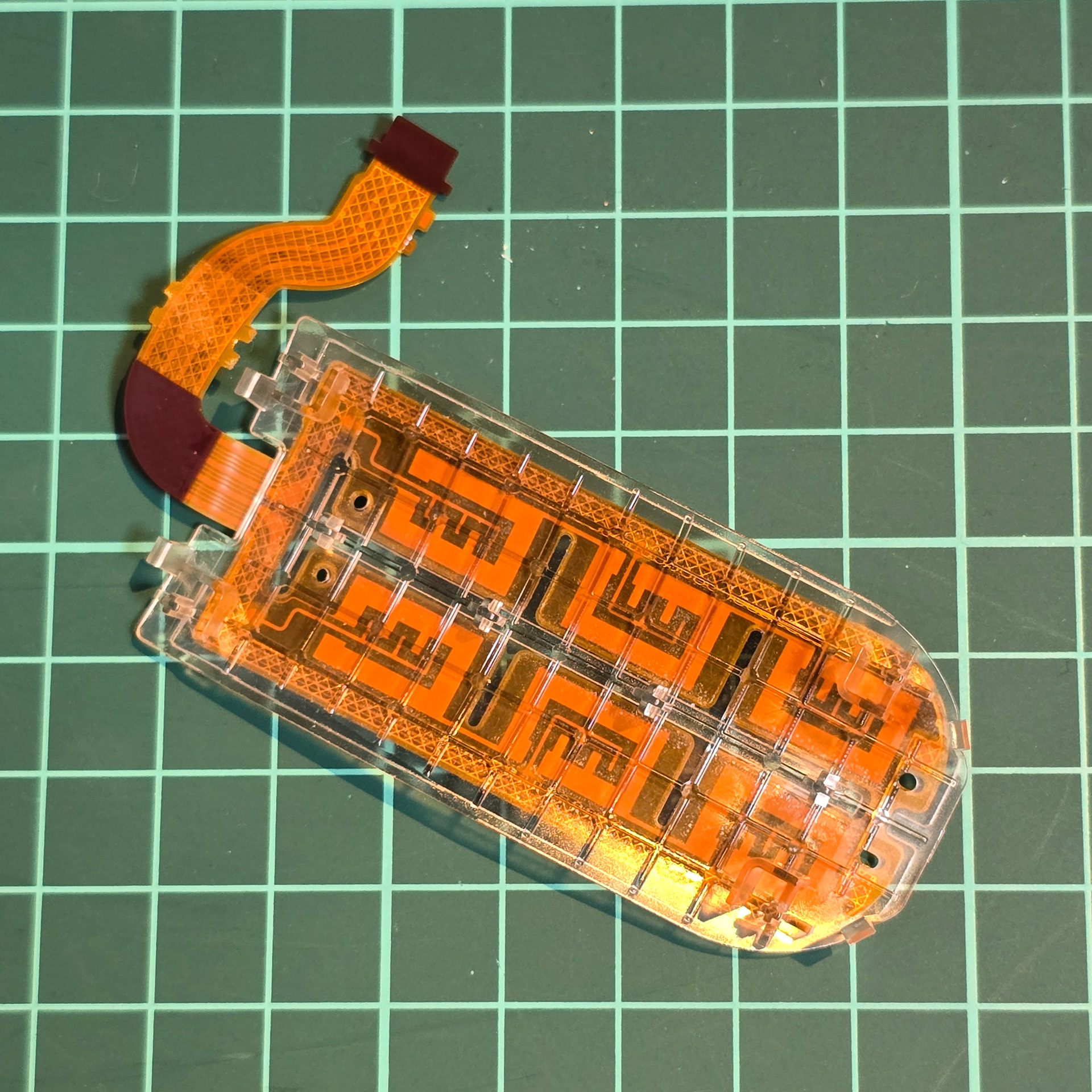
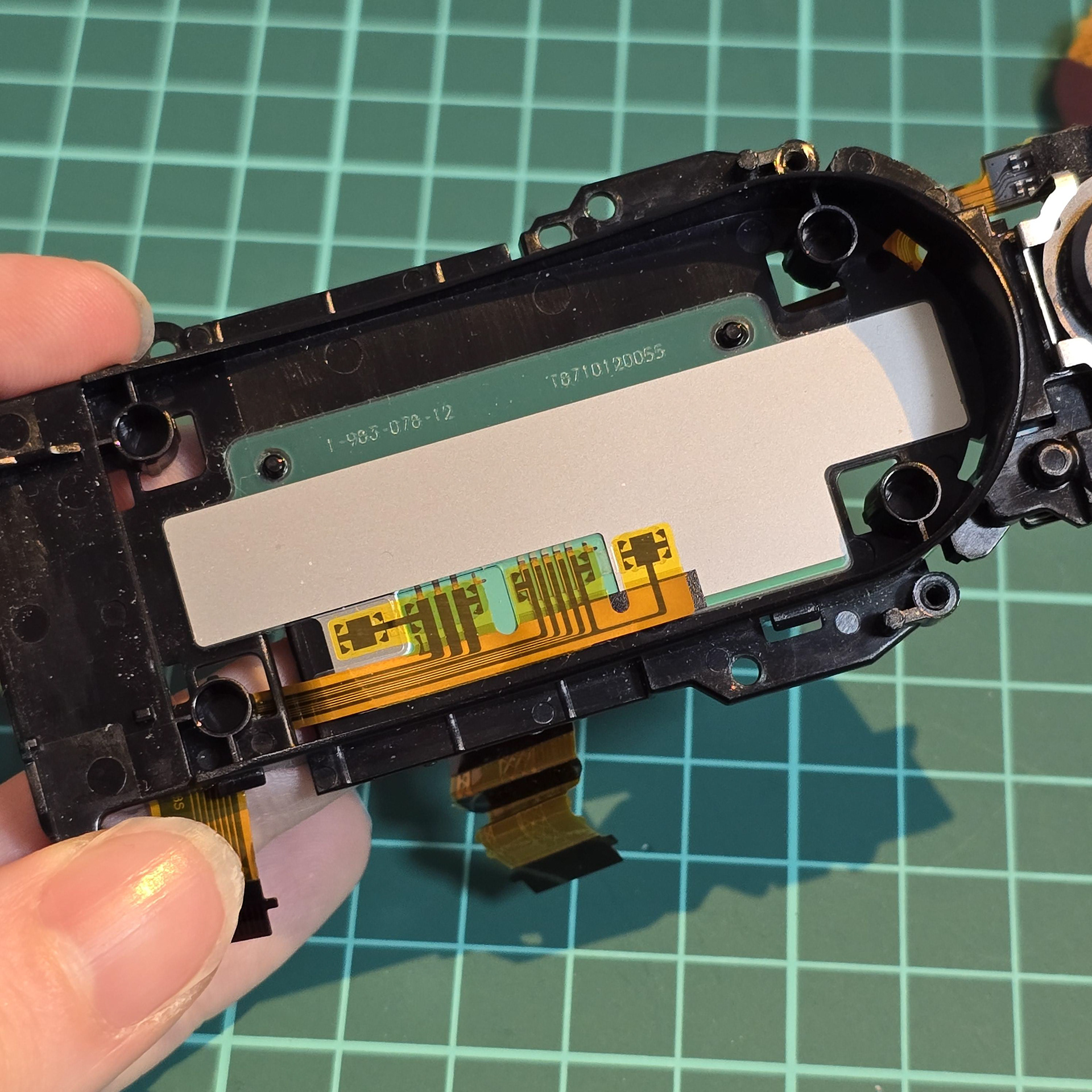
This is what the back sensor looks like from underneath (we can see due to it being mounted on clear plastic). I think the thing left on the black plastic is a temperature sensor?
USB, SLAM Camera and Ambient Sensor
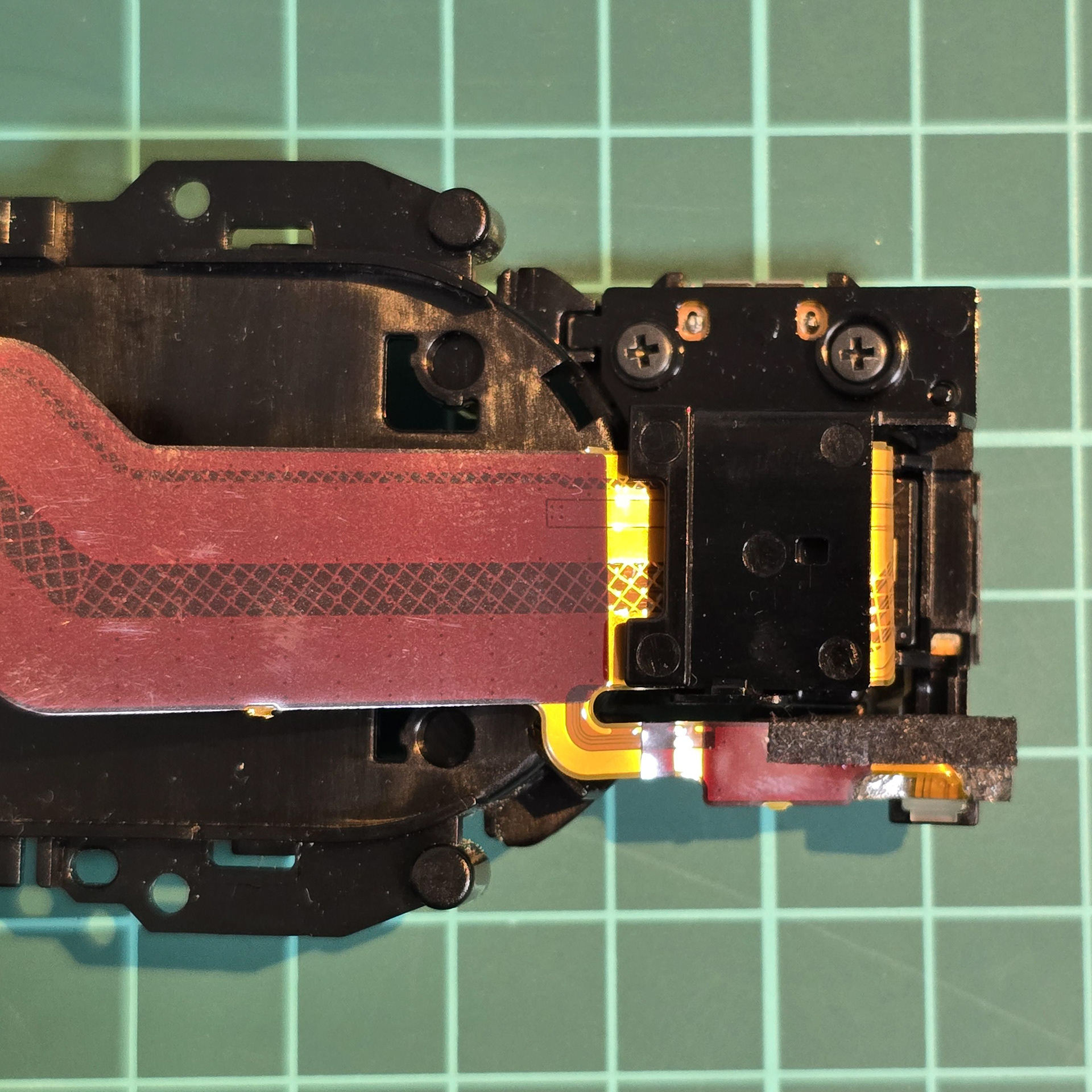
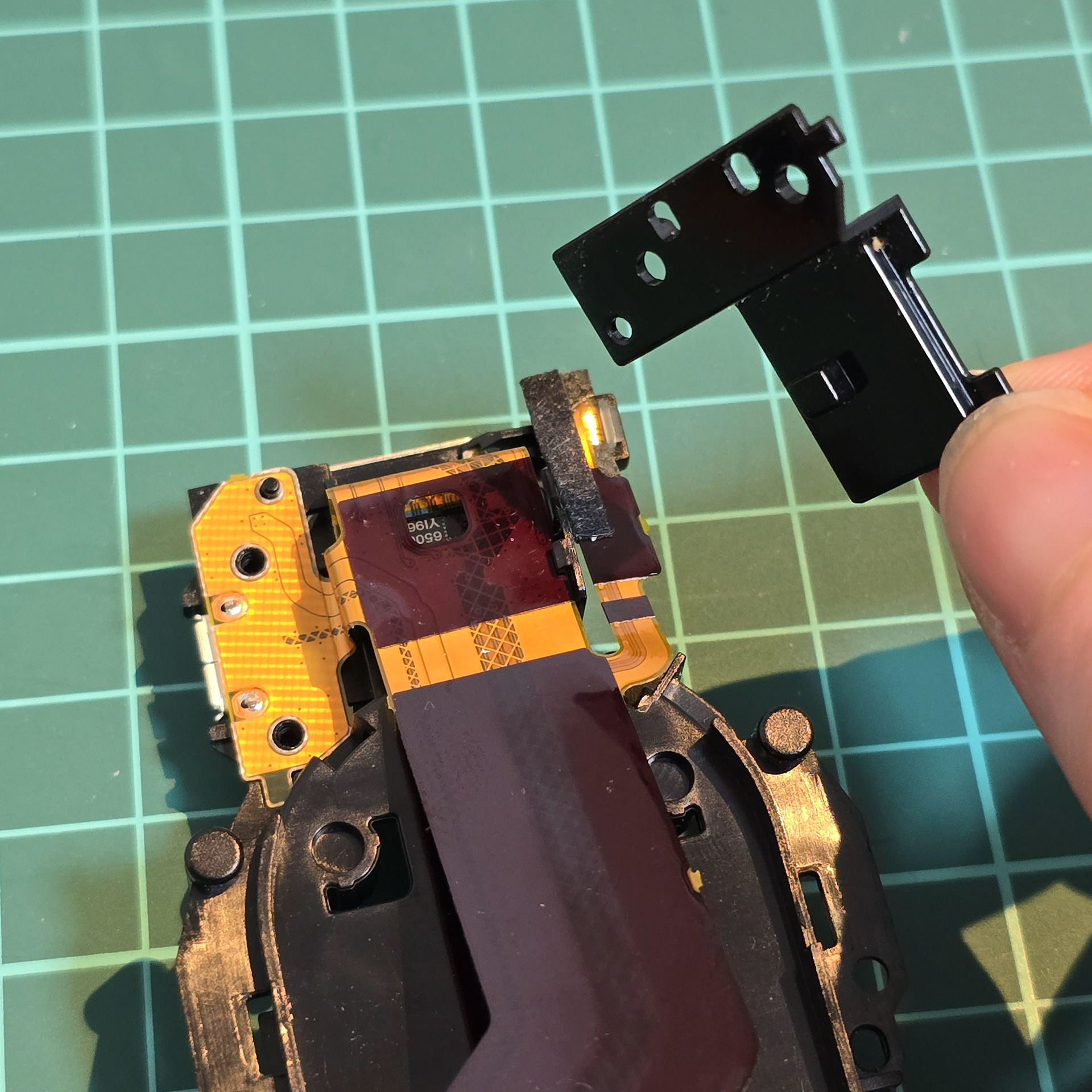
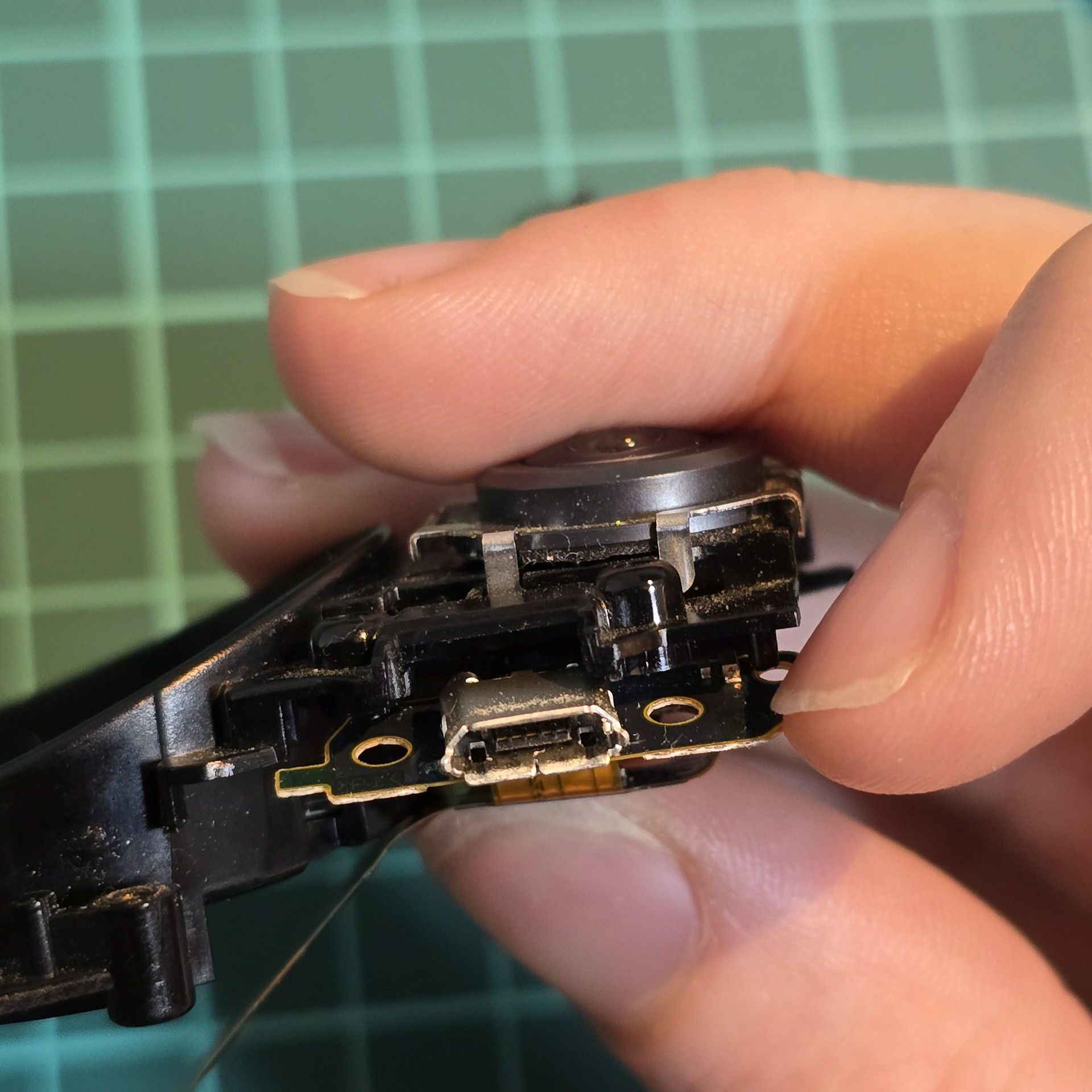
To free the USB port, remove the two screws holding the retaining plate down. Once that is removed the USB can be freely moved (please note it is connected to the large main flexible cable.
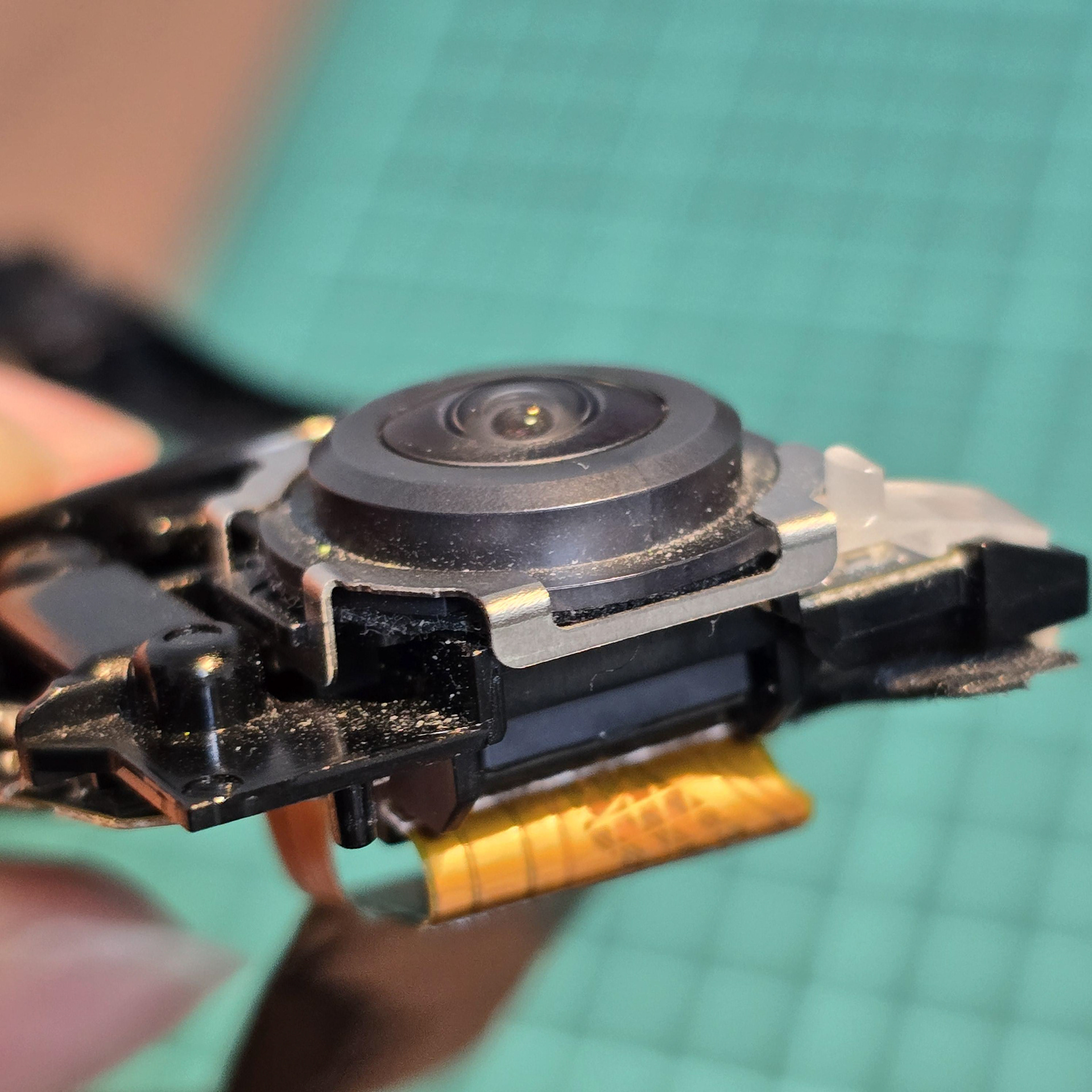
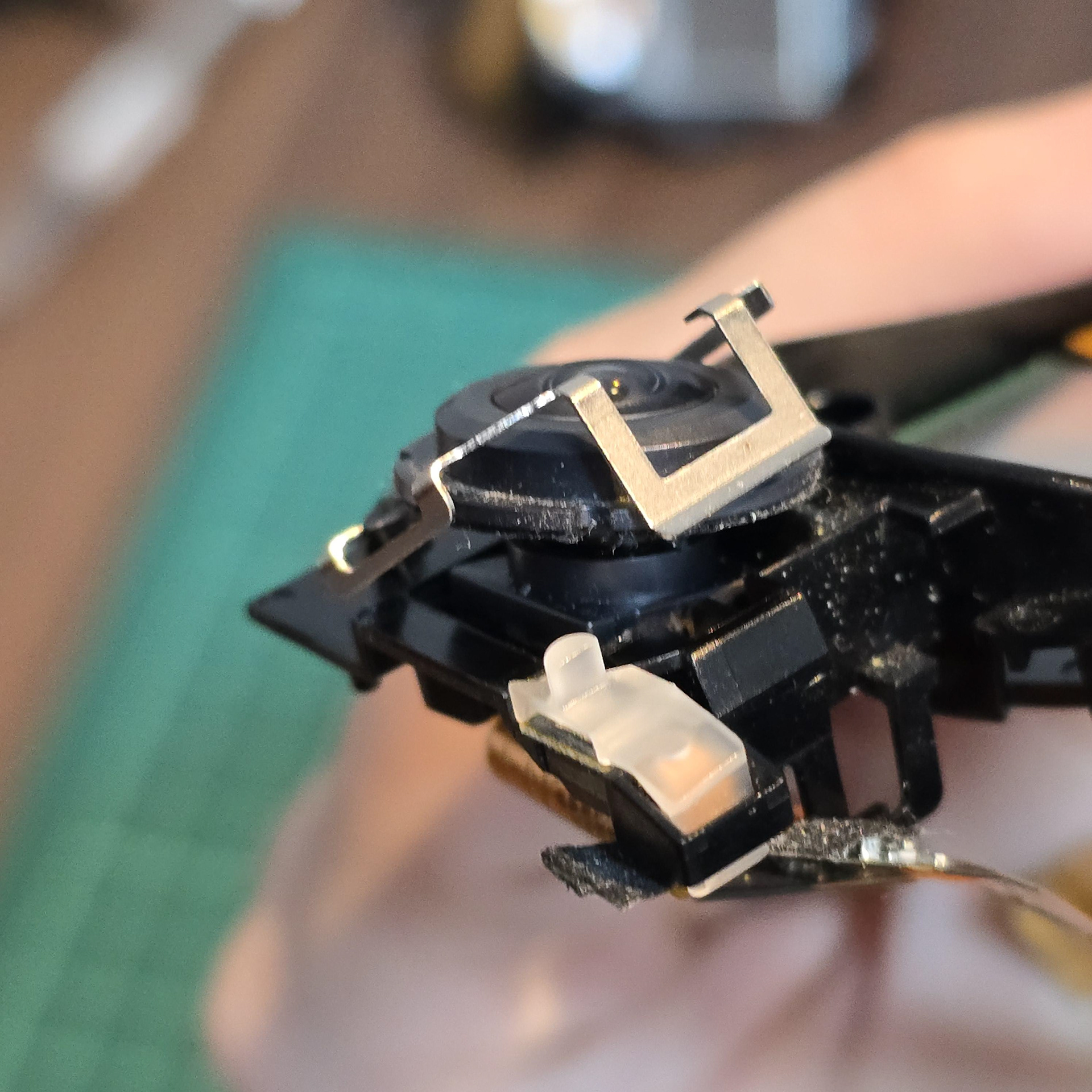
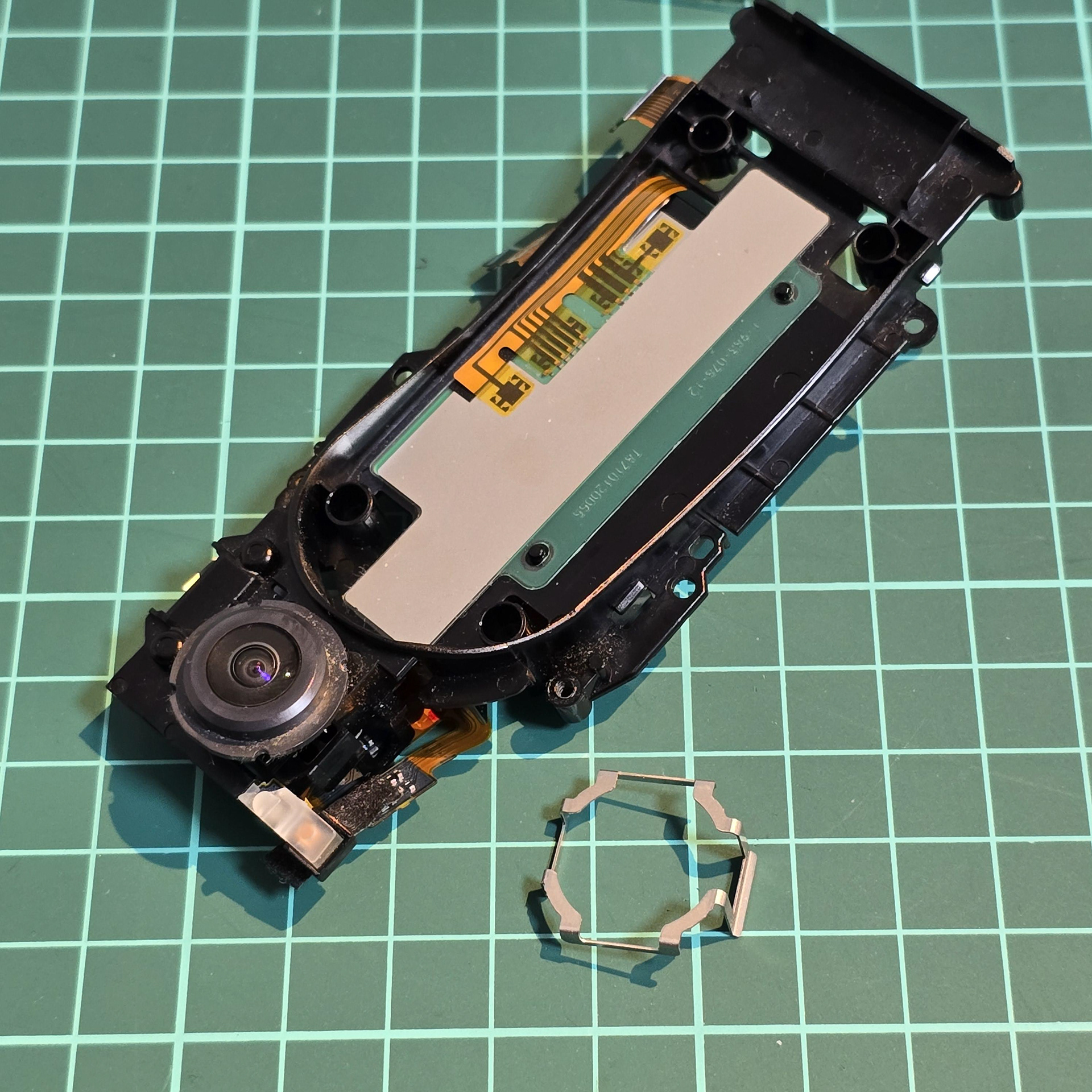
Next we will remove the camera. Firstly, pull the metal bracket from around the camera lens. It pulls off once you flex it.
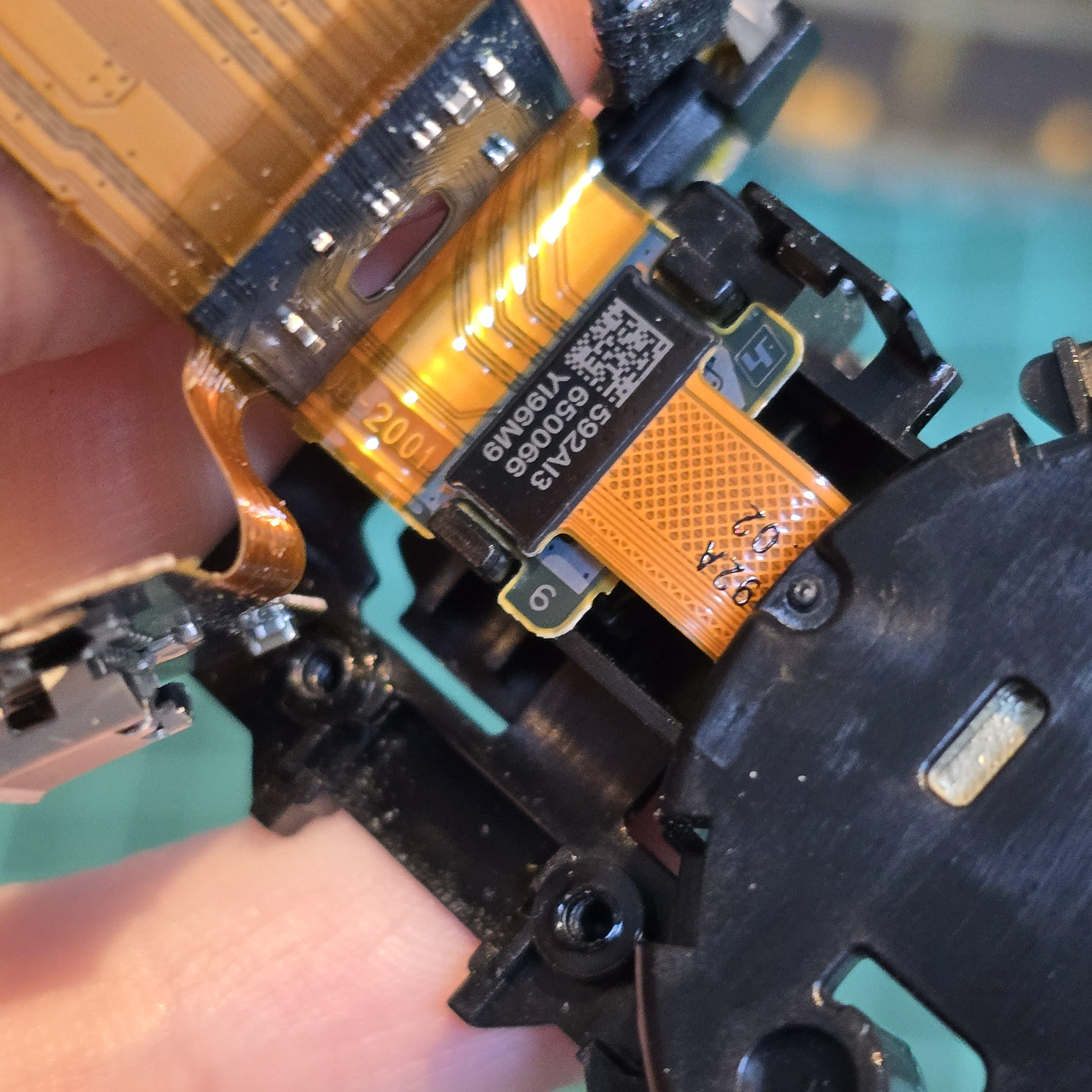
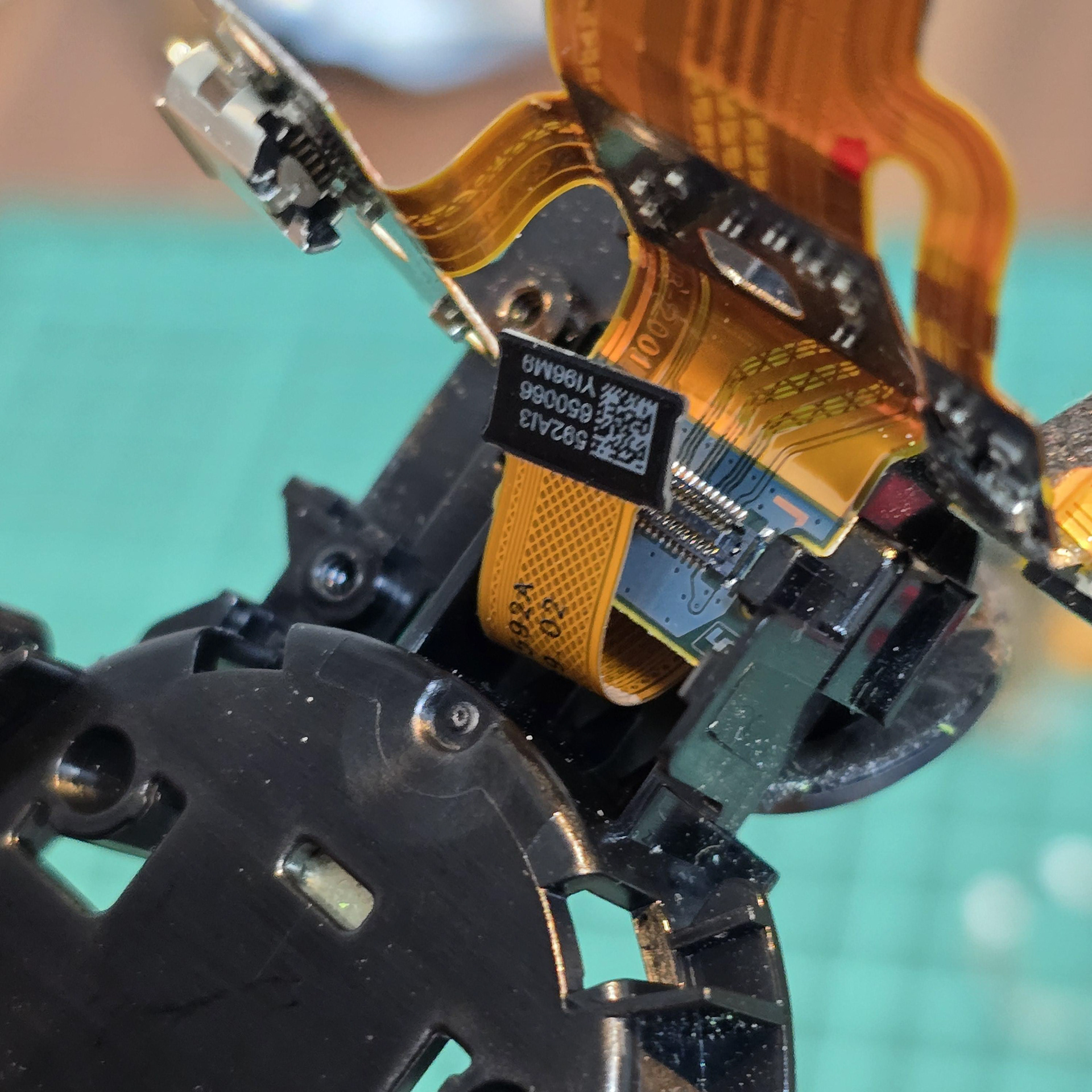
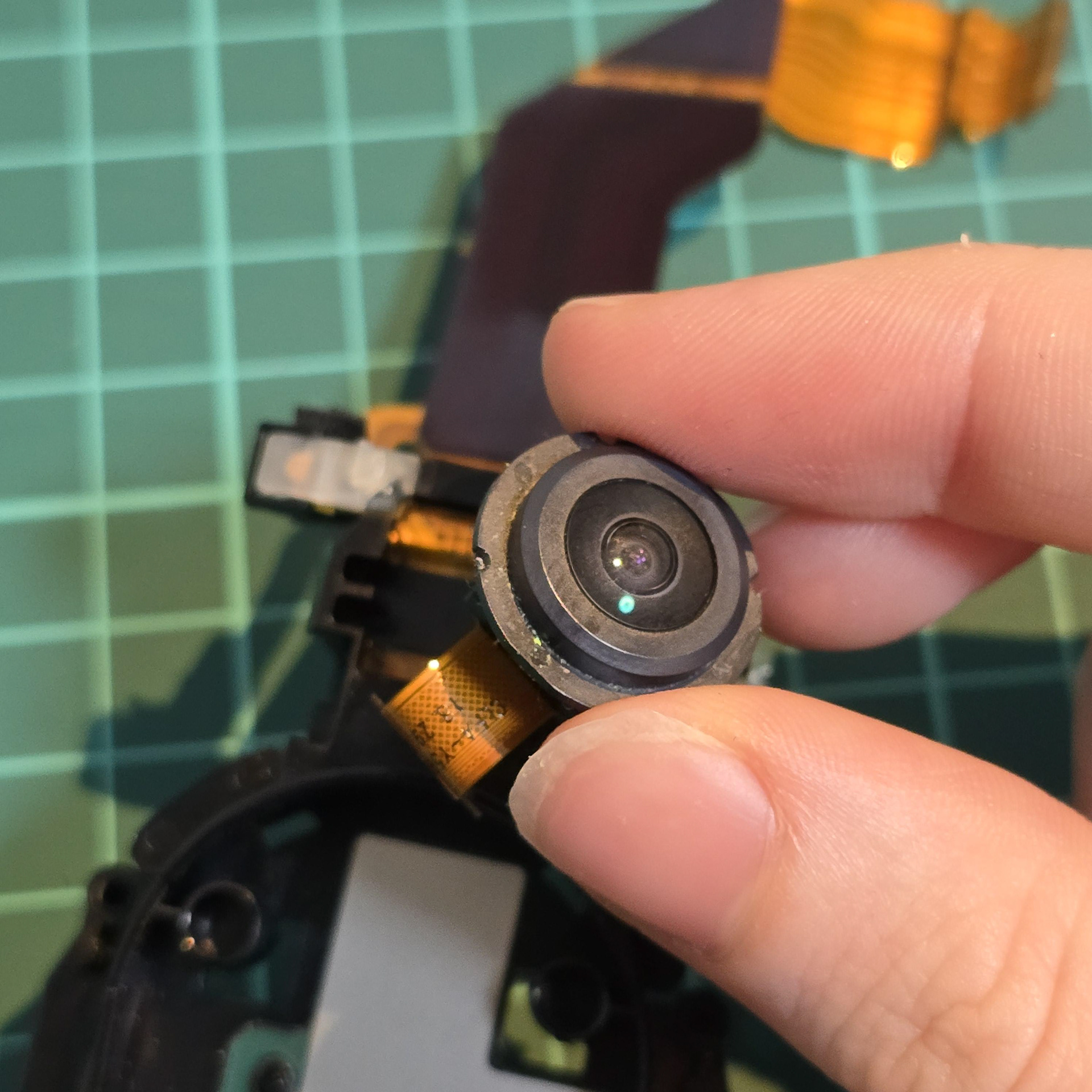
Once the metal piece is removed, locate the black connector plug and pull it out of the connector socket. Then lead the connector through the gap and pull the camera module free.
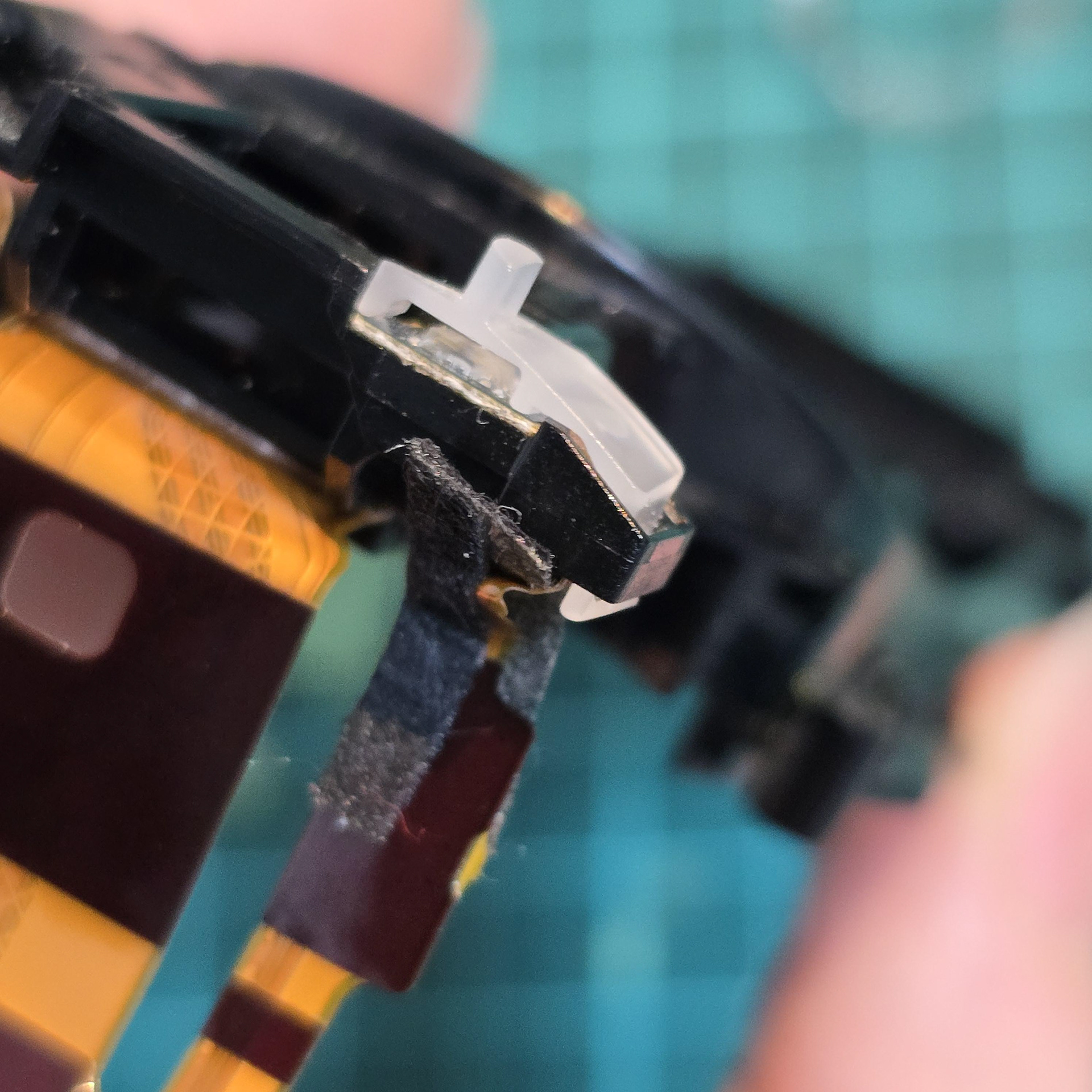

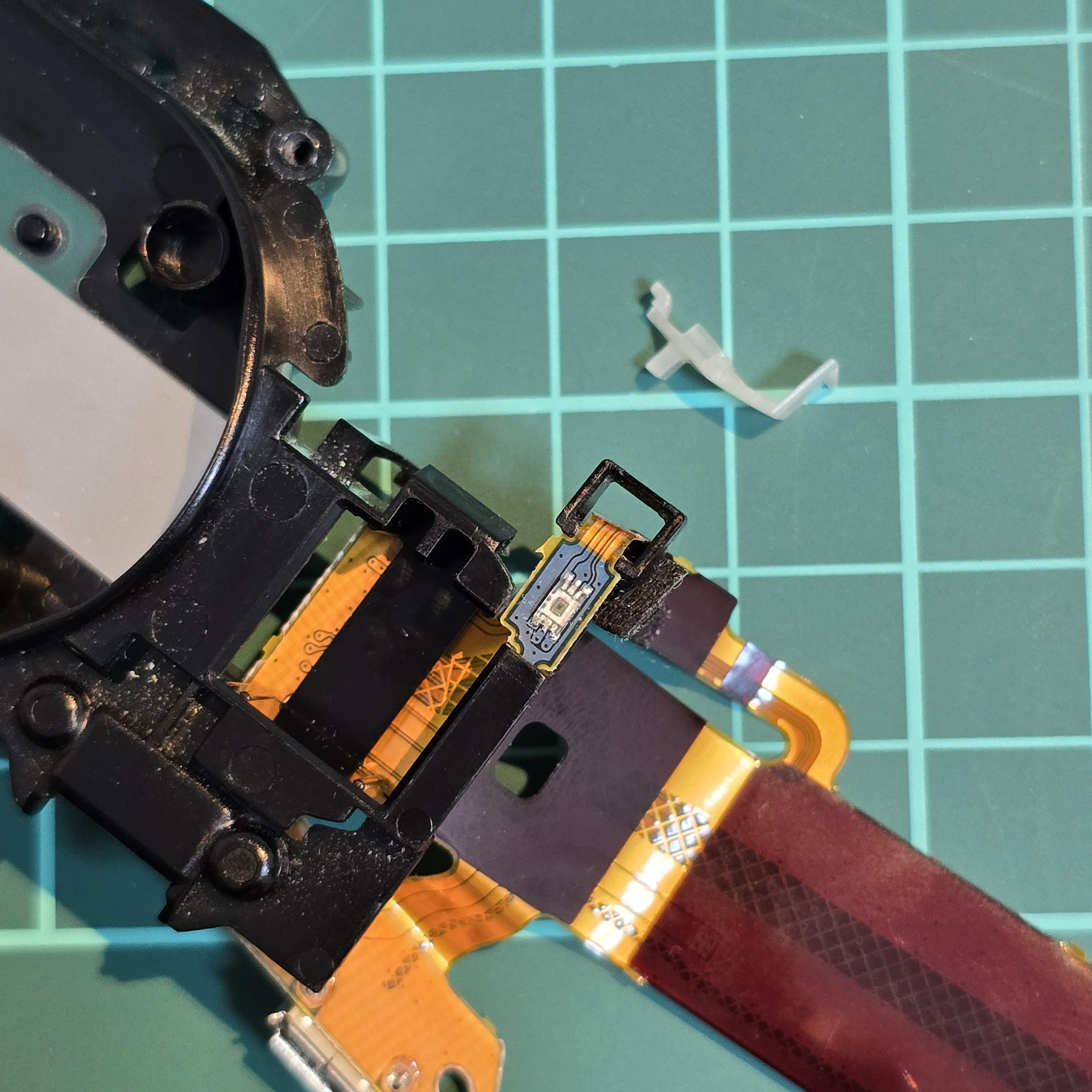
Finally we are going to free the ambient sensor which is used by the aibo to adjust the brightness of the OLED eye screens and to tell the aibo if its surroundings is dark (and to enter sleep mode). The sensor has a frosted plastic cover over it. To remove it, manipulate the tab, pushing it through the gap and pull it off.
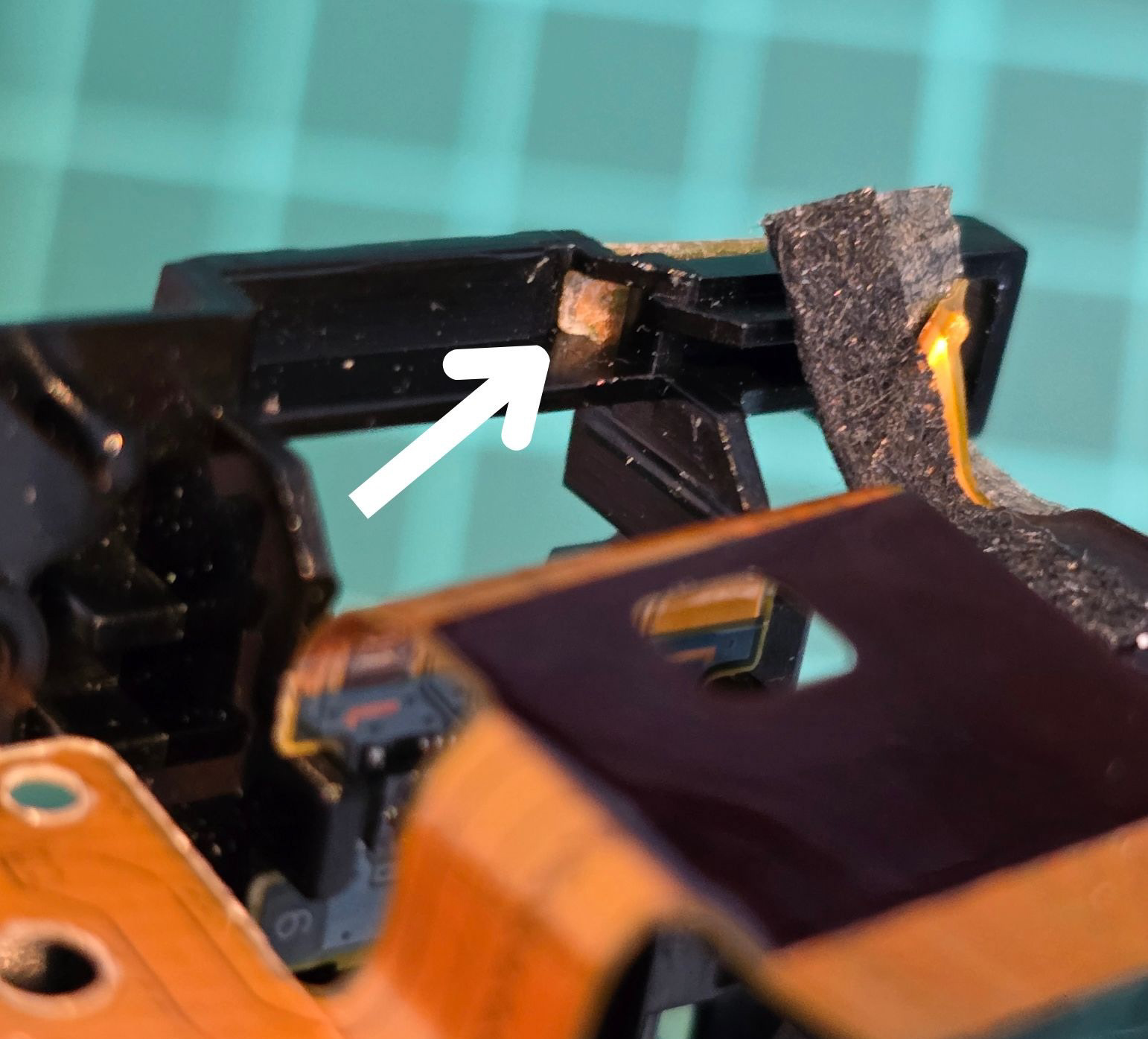

The sensor is stuck to the black plastic, but I wouldn't recommend directly grabbing at it due to its size. To avoid damaging it, I would recommend using the tip of tweezers to push it free from the back, then gently pull it through the gap once free from the adhesive.
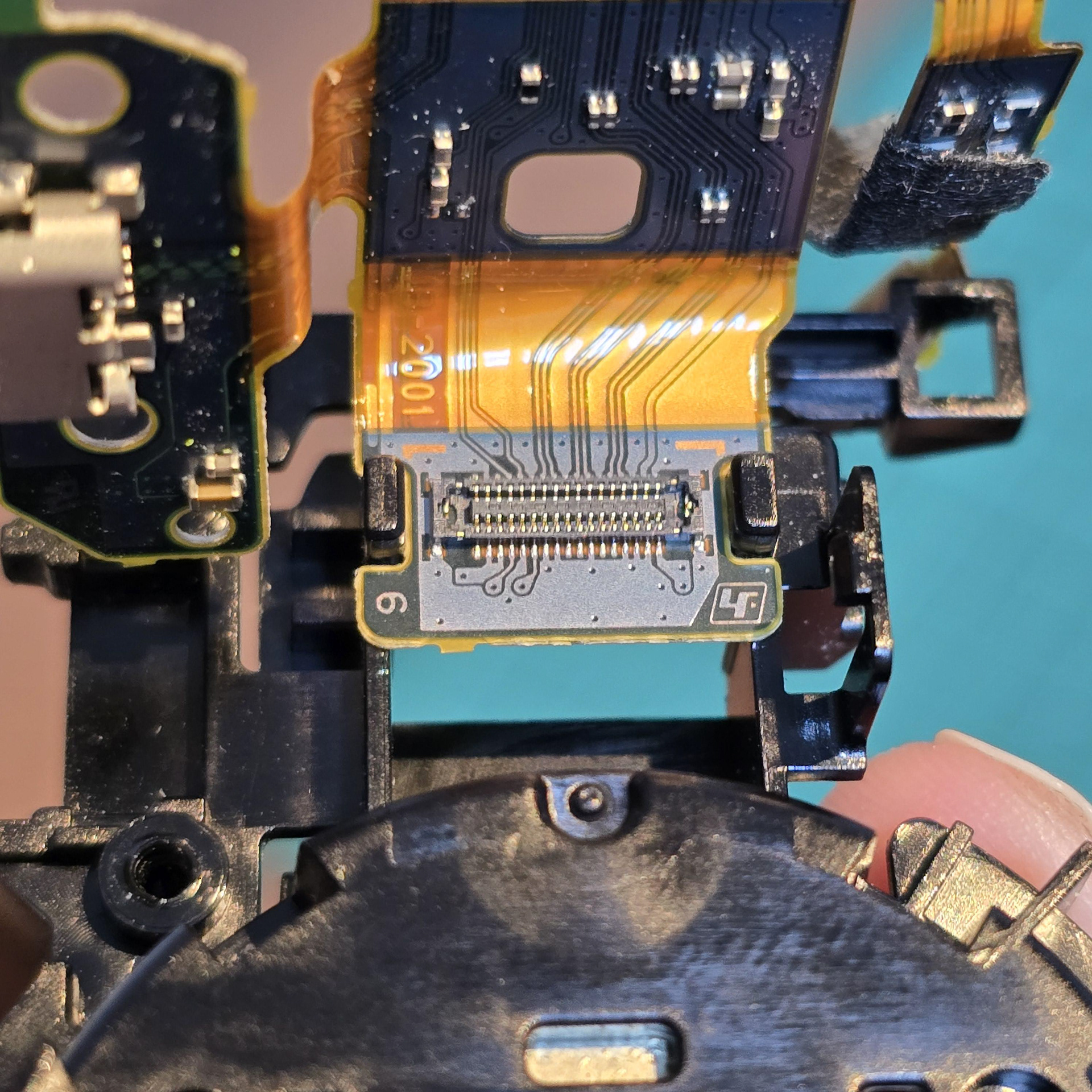
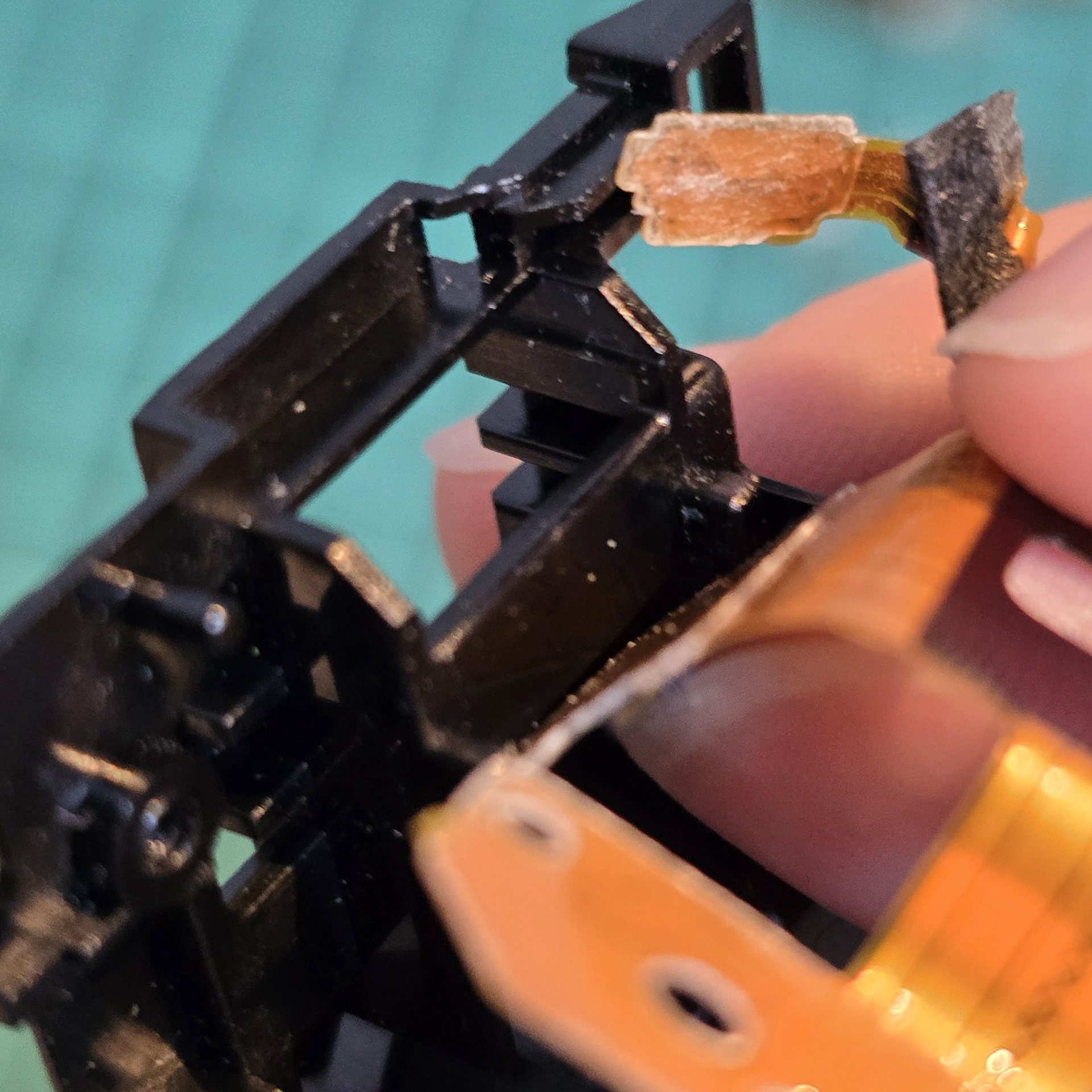
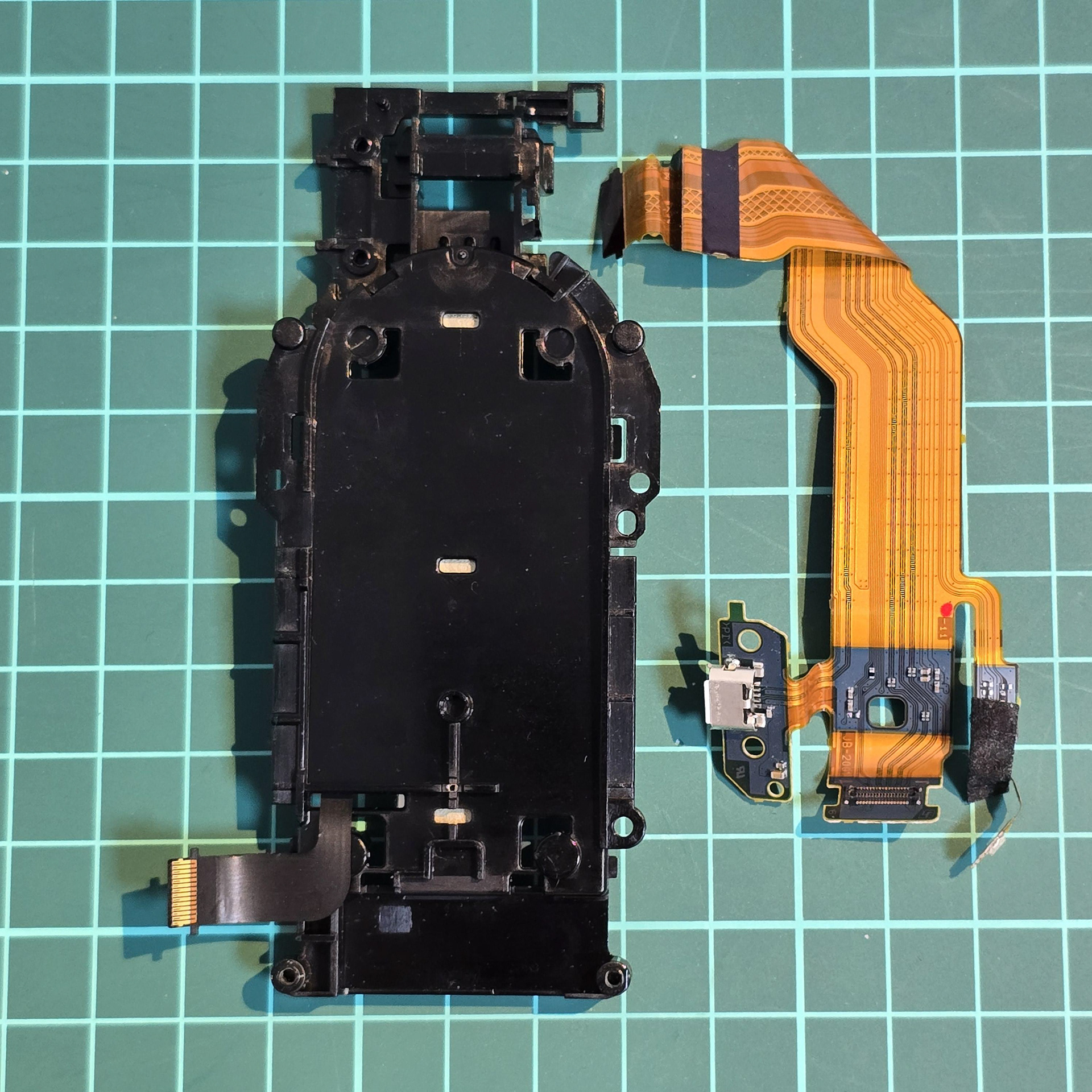
Once the ambient sensor is free, unhook the main flexible cable from near the camera connector on the cable. This will free it from the black plastic mount.