
The BN-1 Robot
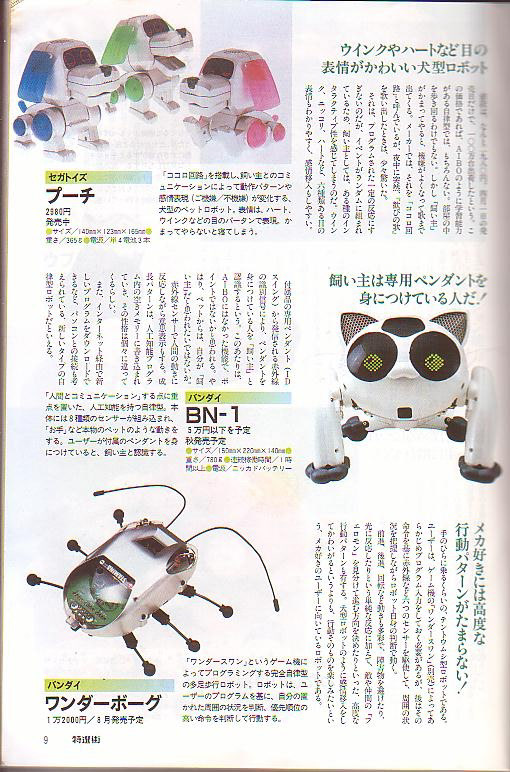
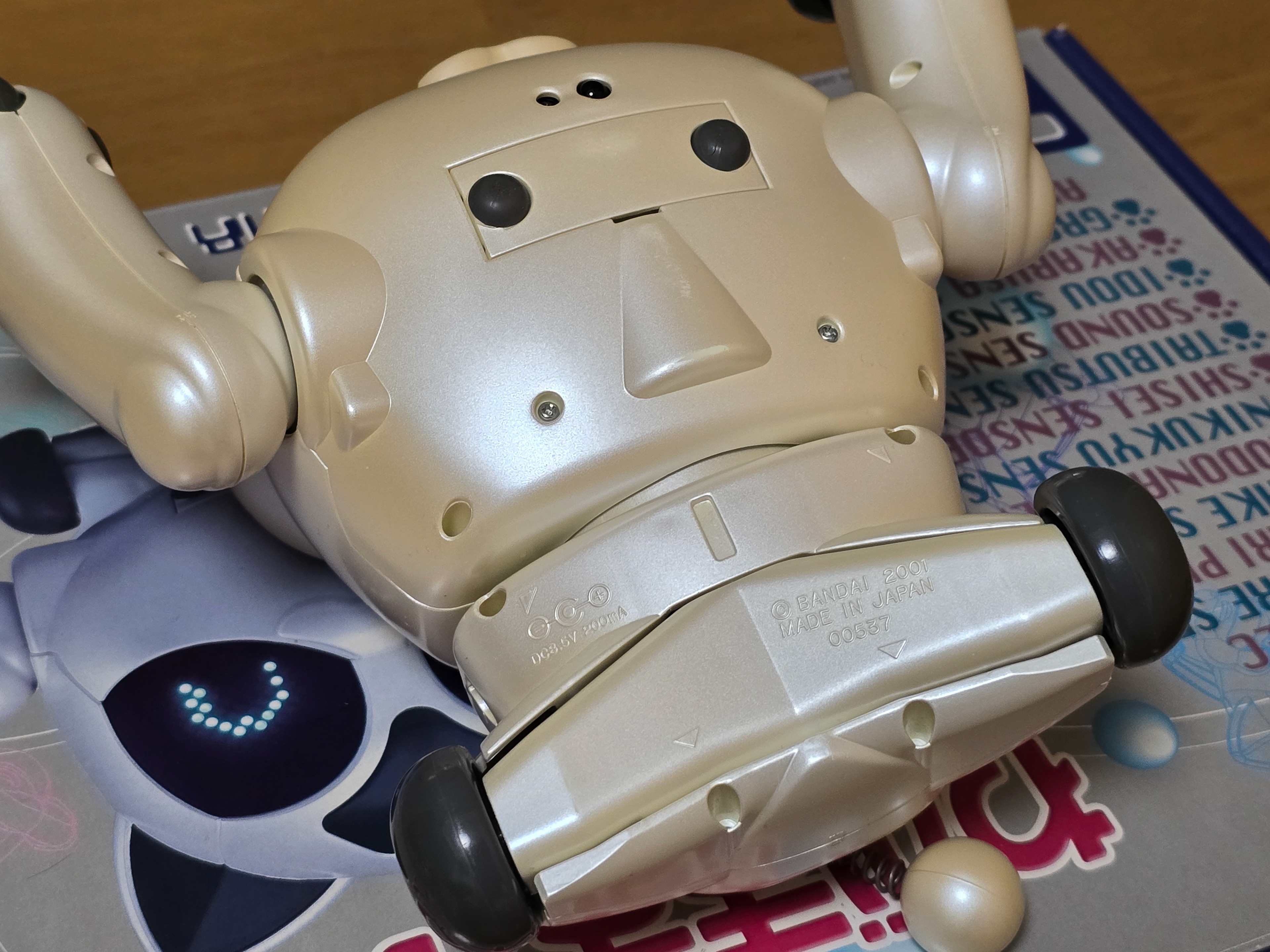
The BN-1 'Wagamama Capriro' is a companion/entertainment robot by Bandai released in 2001 to serve as an alternative to the Sony Aibo. It features a whole host of functionality and sensors - some being very unique to the robot such as being able to wirelessly programme it over IR. The cat moves around using wheels on its front and back legs, letting it move with considerable speed compared to other robots at the time. It is also able to roll over thanks to the swivel joint in its rear half and even do a handstand using a combination of speed + its motorised front legs.
Interaction is done via gestures, touch, sounds and the paw remote. While it may not look as sophisticated as an Aibo, it still has a lot of charm to it and its hyperactive nature may be more entertaining to some. Due to its sensor array, it is surprisingly good at navigating around complex room layouts and getting itself around obstacles aibo struggles with to this day (for example, furniture legs).
Packaging
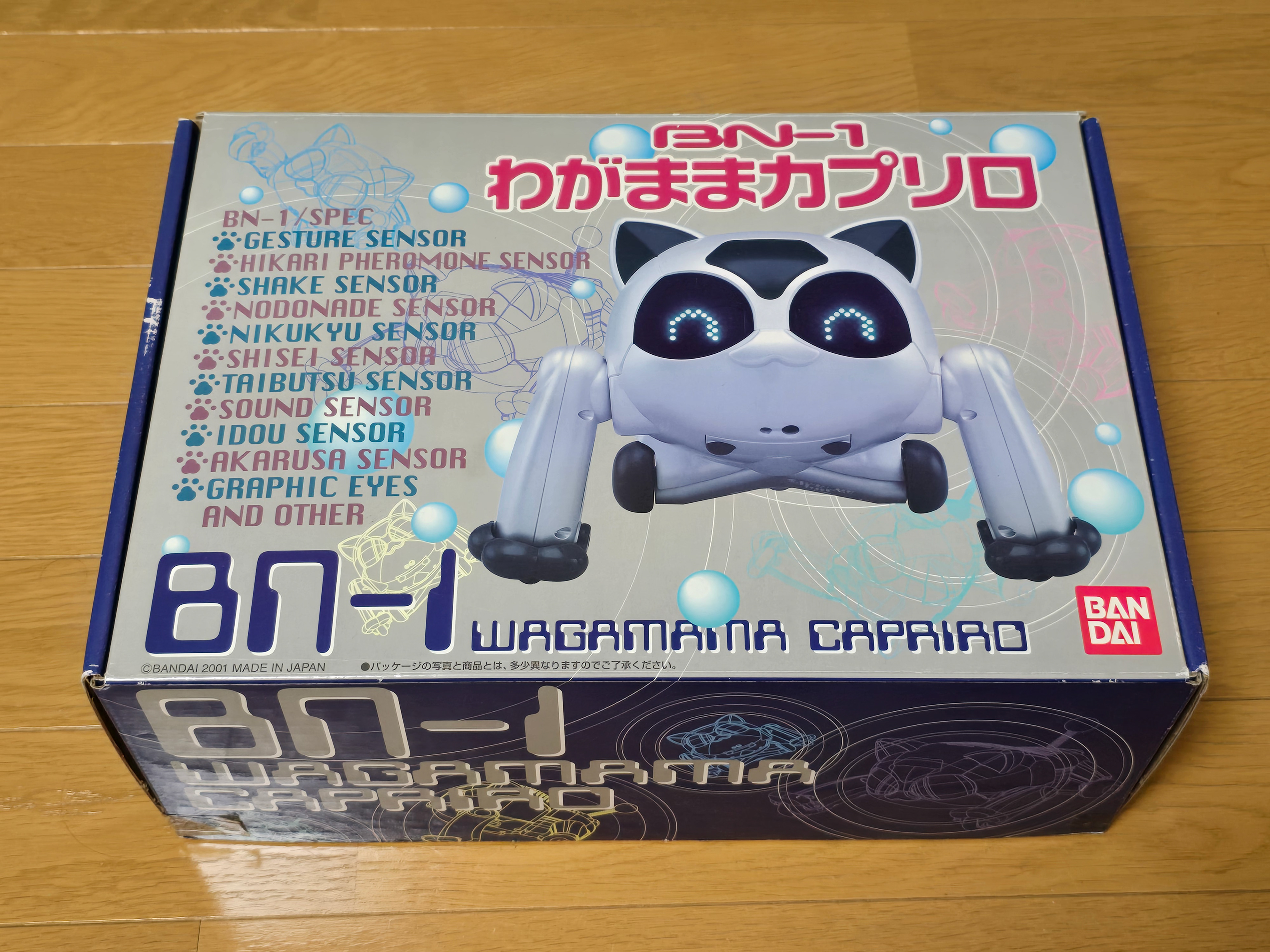
Original release BN-1 robots feature colourful packaging like this one. Later release BN-1s have the white and blue packaging.


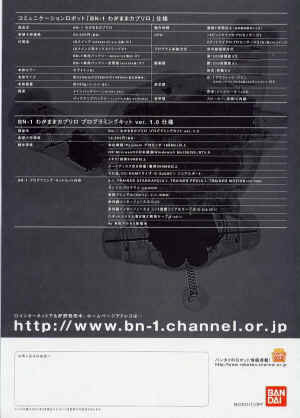
BN-1 Brochure


Prototypes
Multiple painted prototypes were shown at various Japanese robot shows near the time of release. These variants are either robot or cat fur pattern inspired. Their head sensor window is also differently shaped + they have transparent tail balls.
Show Color Variant Prototypes


There was also a fur-covered prototype that appeared at one point.

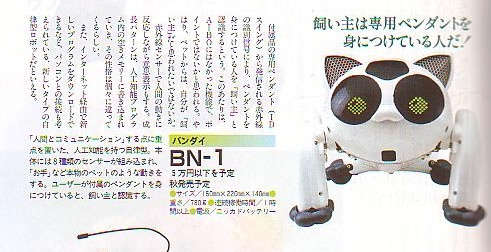

In a magazine feature a prototype BN-1 was shown that had a different shell design to the retail version. The eyes and body are rounder with mesh style ears and clear blue tail ball.
Painted Show Retail Models
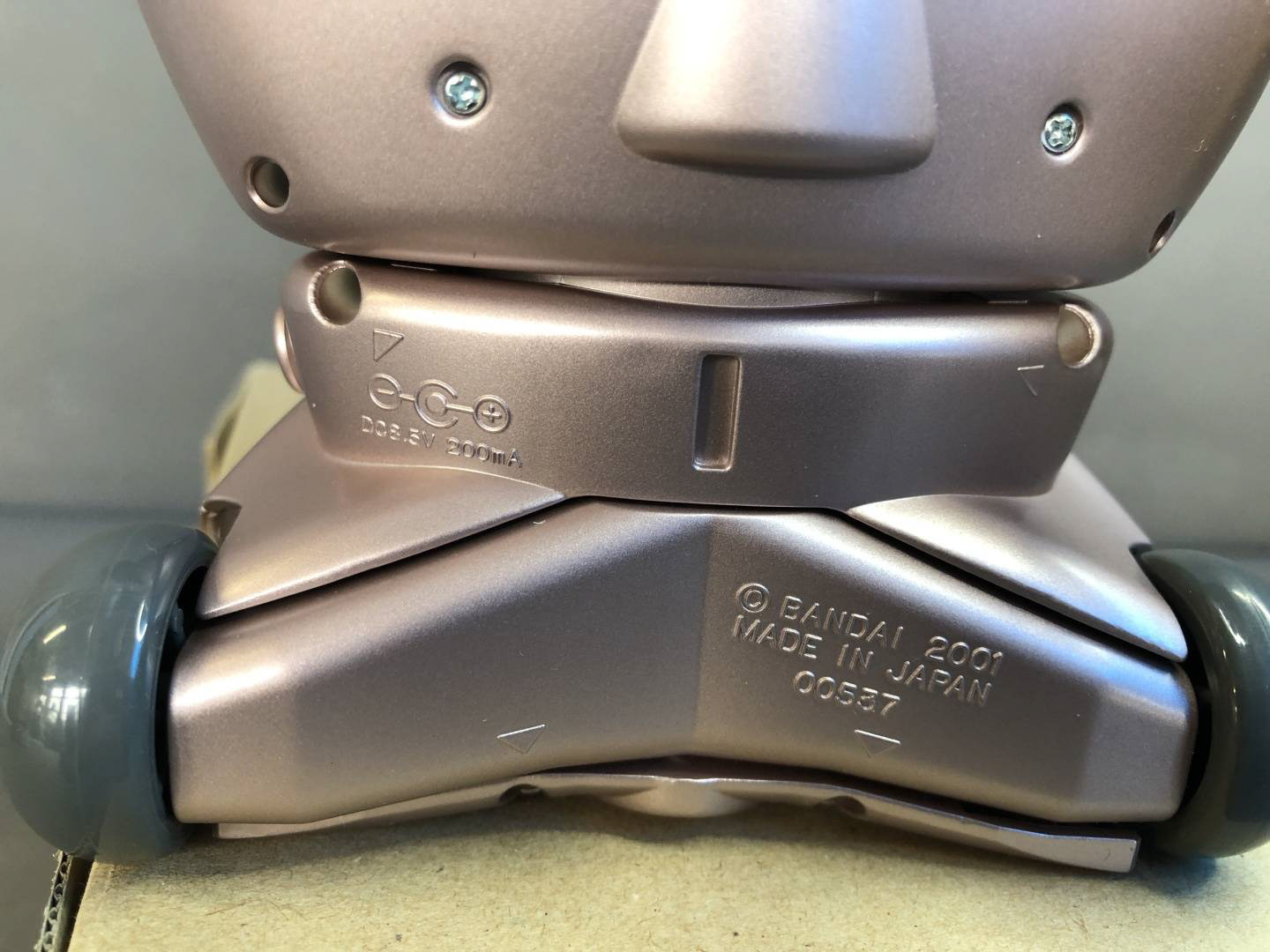
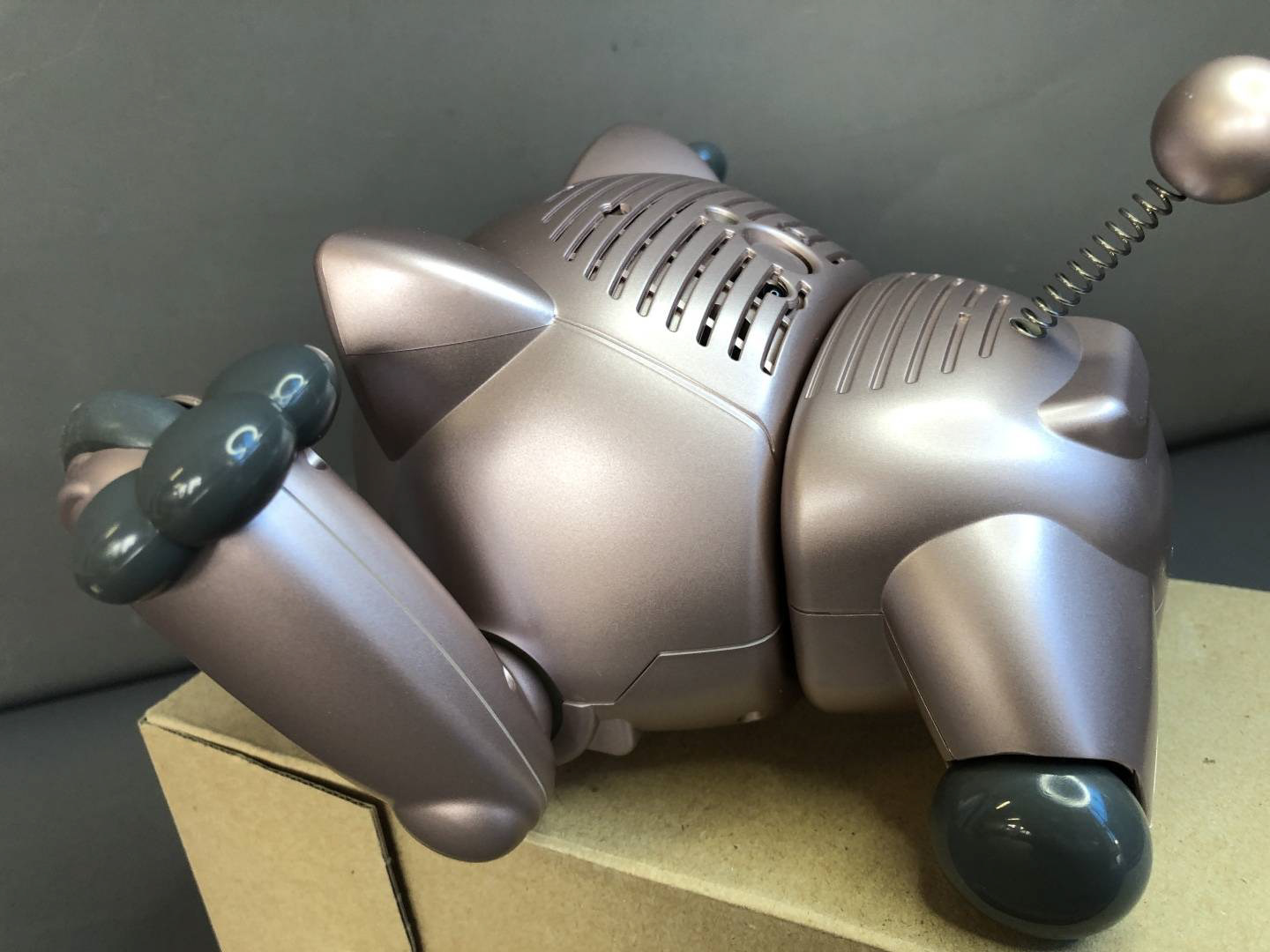
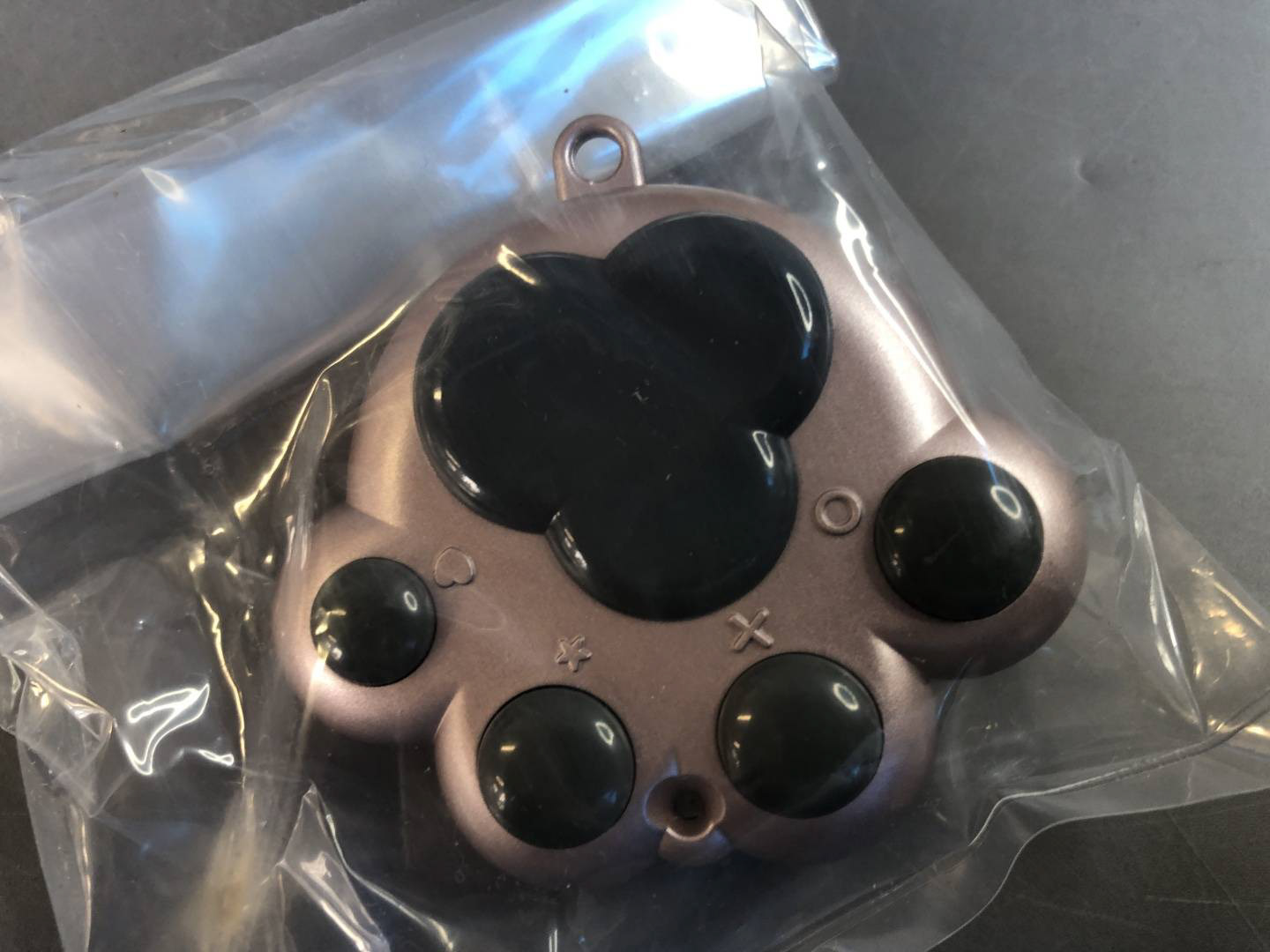
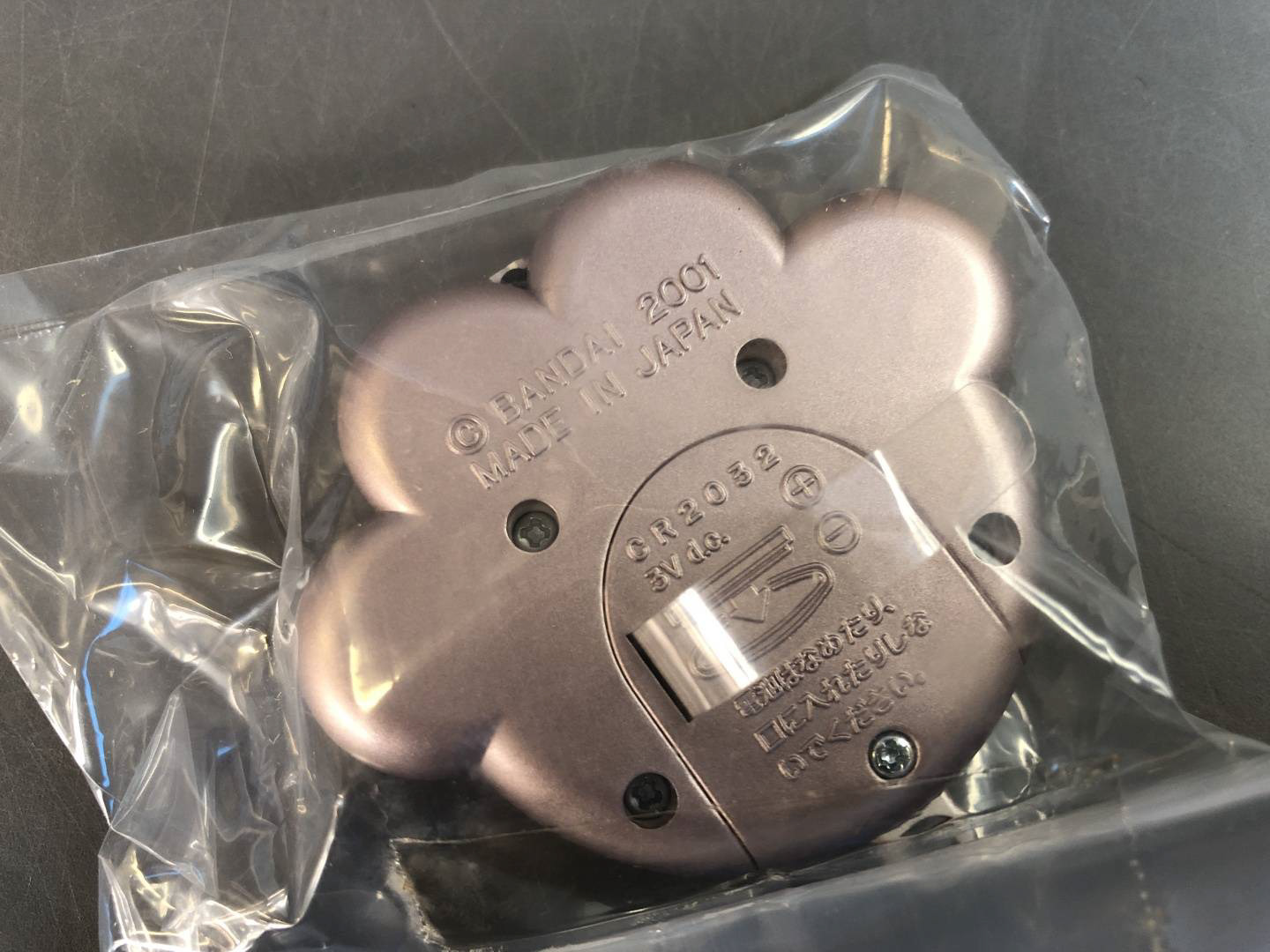
Pink Metallic ROBODEX Show BN-1
This retail model was specially painted and served as a demo unit for ROBODEX 2000. It later resurfaced on Yahoo Auctions in 2026 and is now owned by a community member. The robot is identical to a retail model except for its unique painted shells.




Prize Variants
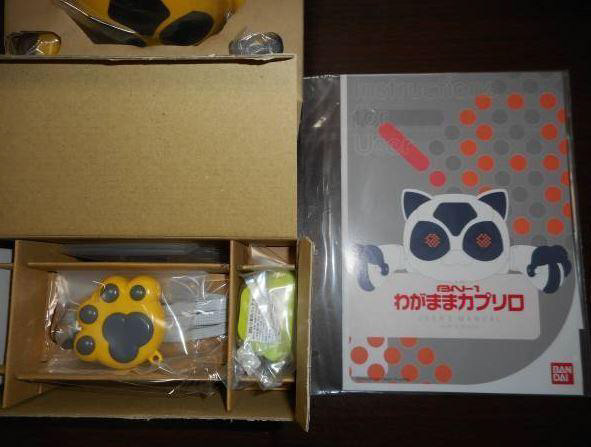
JOMO Yellow BN-1



Yamato Transport Black BN-1
A black version of the BN-1 was a novelty prize in Yamato Transport Co., Ltd.'s "Kuroneko Yamato Spring Easy Moving Campaign." 200 families who moved using eligible products (Easy Moving Pack, Easy Moving Economy Pack, Chartered Moving Service) during the period from January 20th to March 10th were selected by lottery to receive a Kuroneko Yamato original BN-1 (black version).
BN-1 User Manual (EN + JP)
Click on the images below to download the BN-1's User Manual in the desired language.
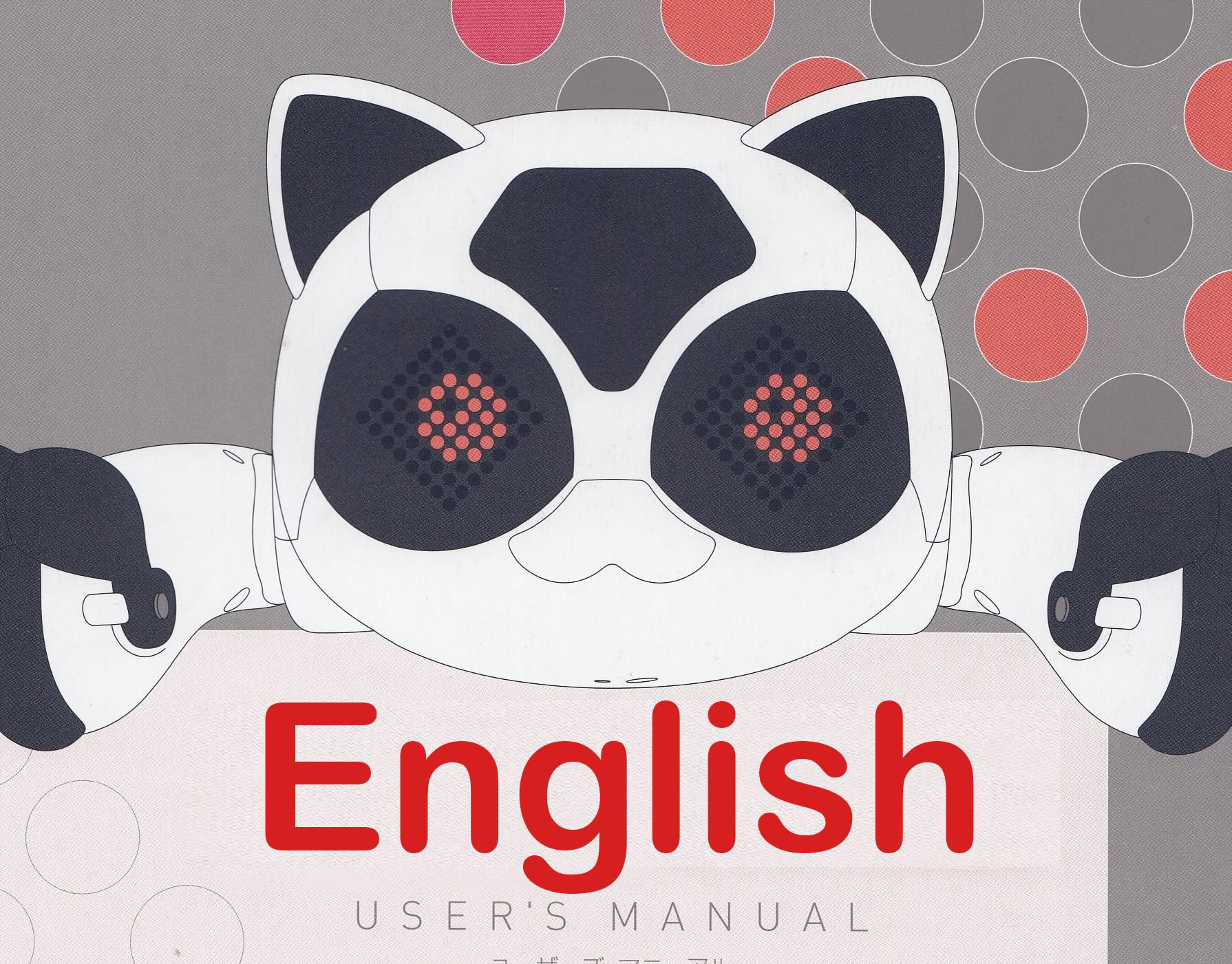

Quick Start Card (EN + JP)

BN-1 Quickstart (Japanese Version)
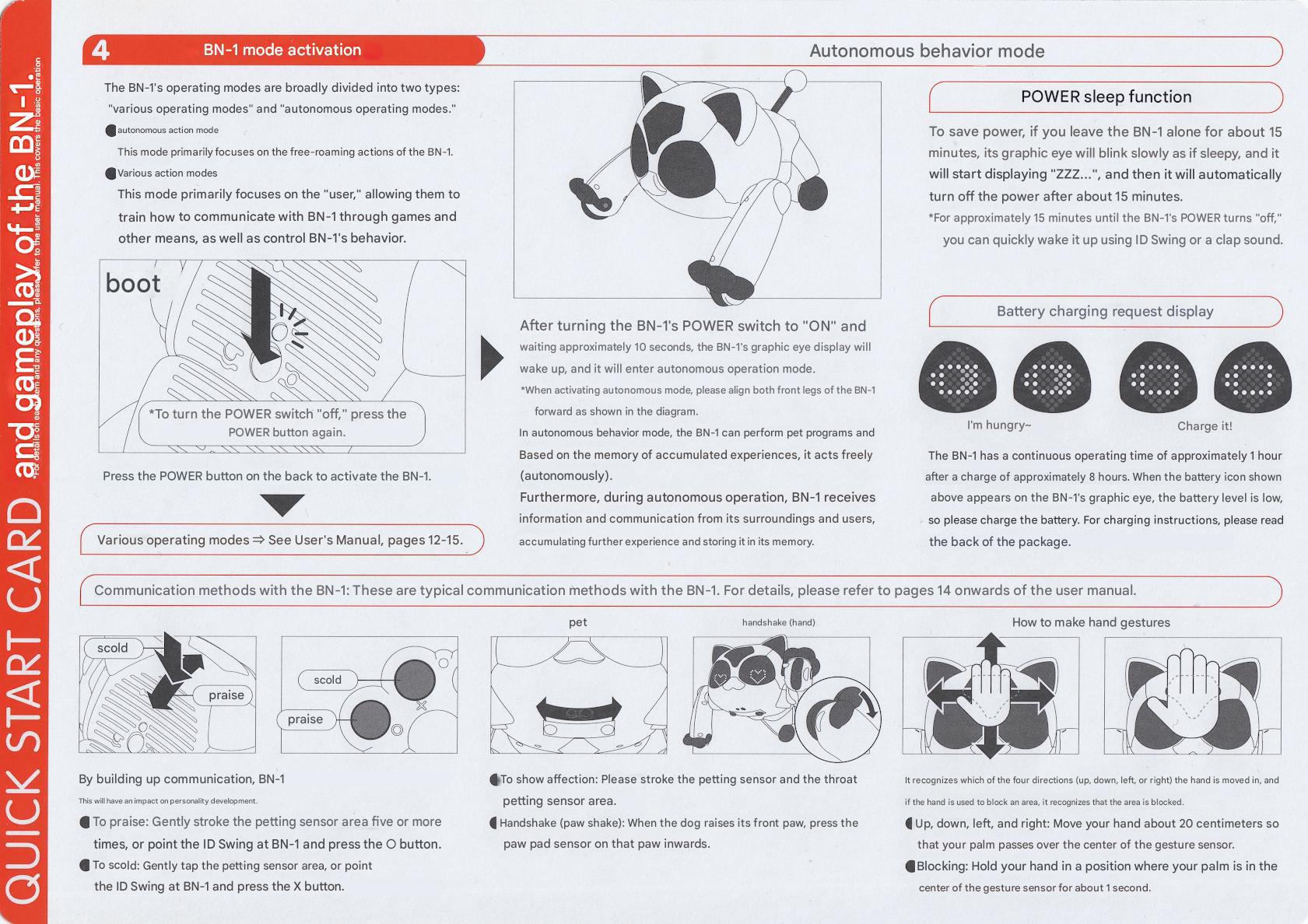
BN-1 Quickstart (English Version)
Guides for Owners
BN-1 Issues and Things to Note
How to Remove the BN-1 Coin Battery
BN-1 Partial Deshell Guide for Painting
Leg Gearbox Cleaning Guide
While cute, the hardware hasn't aged well. So please read and understand these things first before you buy a BN-1:
Firstly when you get a BN-1 DO NOT TRY POWERING IT ON - you need to remove the coin battery inside of the robot otherwise it will damage the robot.
There's also cases of this battery leaking over the main boards and destroying them.
Another thing to look out for is corrosion around the charging port board - it seems to be common that this gets corroded for one reason or another so the components may need to be replaced.
We recommend having the battery connector changed to a more modern connector that accepts standard RC car batteries.
Gears seem to be cracking over time, namely the ones that help rotate the cat's hip.
The front legs have a design flaw which pulls up hair and dirt into the leg gearbox. Any hair that gets in here ends up wrapping around the gears and pinion gear - I would recommend cleaning it out (please check out my guide on how to do so).
Please also note that the paintwork on most units has yellowed and this is hard to see in internet auction listings.
Because of these things, try not pay too much for one.
BN-1 Wagamama Caprilo Programming Kit ver. 1.0
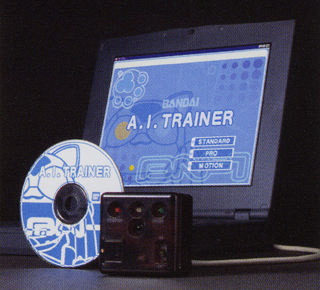
The "BN-1 Wagamama Caprilo Programming Kit ver. 1.0" is a PC application software that allows you to easily program the personality and behavior of Wagamama Caprilo without requiring any special knowledge of programming languages such as C.
The application software is installed on a PC (compatible with Windows 95, 98, Me, and NT4.0), and the created program is downloaded to Caprilo wirelessly (via infrared signal) using a dedicated infrared interface unit connected to the PC. Advanced programming is possible, from beginner-friendly tools (A.I.TRAINER STANDARD) to advanced tools (A.I.TRAINER PRO), depending on the user type.
AITRAINER STANDARD: You can create pet programs with simple screen operations, even without any programming knowledge.
You can create a program simply by specifying "when (under what circumstances)" and "what to do," along with setting the emotions. Even without programming knowledge, you can easily create your own original pet programs.
AITRAINER PRO】 An evolution of STANDARD, allowing you to create more complex and diverse programs for the "BN-1".
You can easily create a variety of programs with even more detail than the A.I. TRAINER STANDARD. Furthermore, you can display simple messages such as letters, katakana, and numbers on the BN-1's graphic eye, and freely assign actions to each sensor.
Sensor items: Approximately 350
Action items: Approximately 200 commands
EYE patterns: Approximately 250 types, 67 patterns (letters, katakana, numbers, etc.)
Sound types: 64 types
Other commands: Approximately 320 types
Examples of programs you can create:
Your own original pet program.
Programs to make it do tasks such as pushing and carrying objects.
Programs for playing, such as dribbling a ball.
An electronic display board using the graphic eye.
AITRAINER MOTION: The motion editing capabilities available with the BN-1 unit alone are now even more detailed, allowing for control of individual servos and wheels.
Control of the speed of each servo motor and each drive wheel of "BN-1 Wagamama Caprilo" is possible
BN-1 Wagamama Caprilo Programming Kit ver. 1.0 Specifications
(12,000 yen/excluding tax)
Product Name: BN-1 Wagamama Caprilo Programming Kit ver. 1.0
Price: 12,000 yen (excluding tax)
Set Contents: • "A.I. TRAINER" software set (CD-ROM)
• Sample programs (CD-ROM)
• Instruction manual (CD-ROM, printed materials)
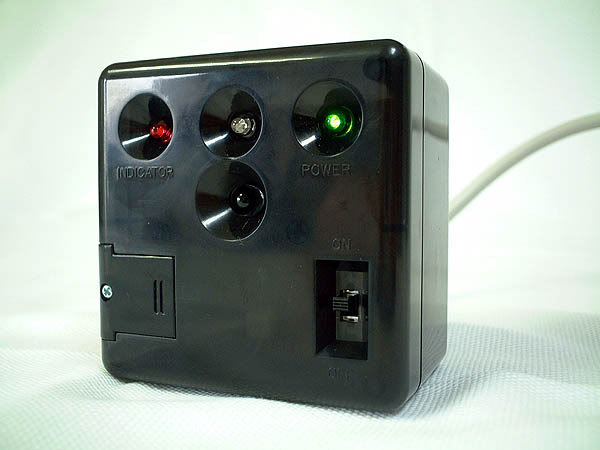
• Infrared interface unit
• Infrared interface unit connection serial cable (D-sub 9-pin)
• Dedicated cable for rewriting the robot system • 9V rectangular alkaline battery
Operating Environment Compatible Models: Pentium 166MHz or higher
Compatible OS: Japanese version of Windows Me/98/95, NT4.0
Memory: Recommended 64MB or more
Hard Disk: Recommended 200MB or more
Other: CD-ROM drive, D-sub 9-pin serial port
An upgrade is necessary for the initial production run of BN-1.
This applies to products with a version less than 1.53 (serial numbers from 000000 to 003150 located on the back of the waist section of the BN-1 unit).
Please refer to the product instruction manual for details on how to upgrade.
The method for checking the main unit's version is as follows. (How to check the version)
Ensure the ID numbers of the BN-1 and ID Swing are the same.
(Refer to pages 10 and 11 of the BN-1 instruction manual)
Start the BN-1 and, while it's performing the wake-up motion, press the ☆ button or × button on the ID Swing to enter menu mode (mode switching standby state). (Refer to page 13 of the BN-1 Wagamama Caprilo User's Manual)
While the menu is scrolling across the BN-1's eyes, press the heart button on the ID Swing.
A beep will sound and the version information will be displayed.

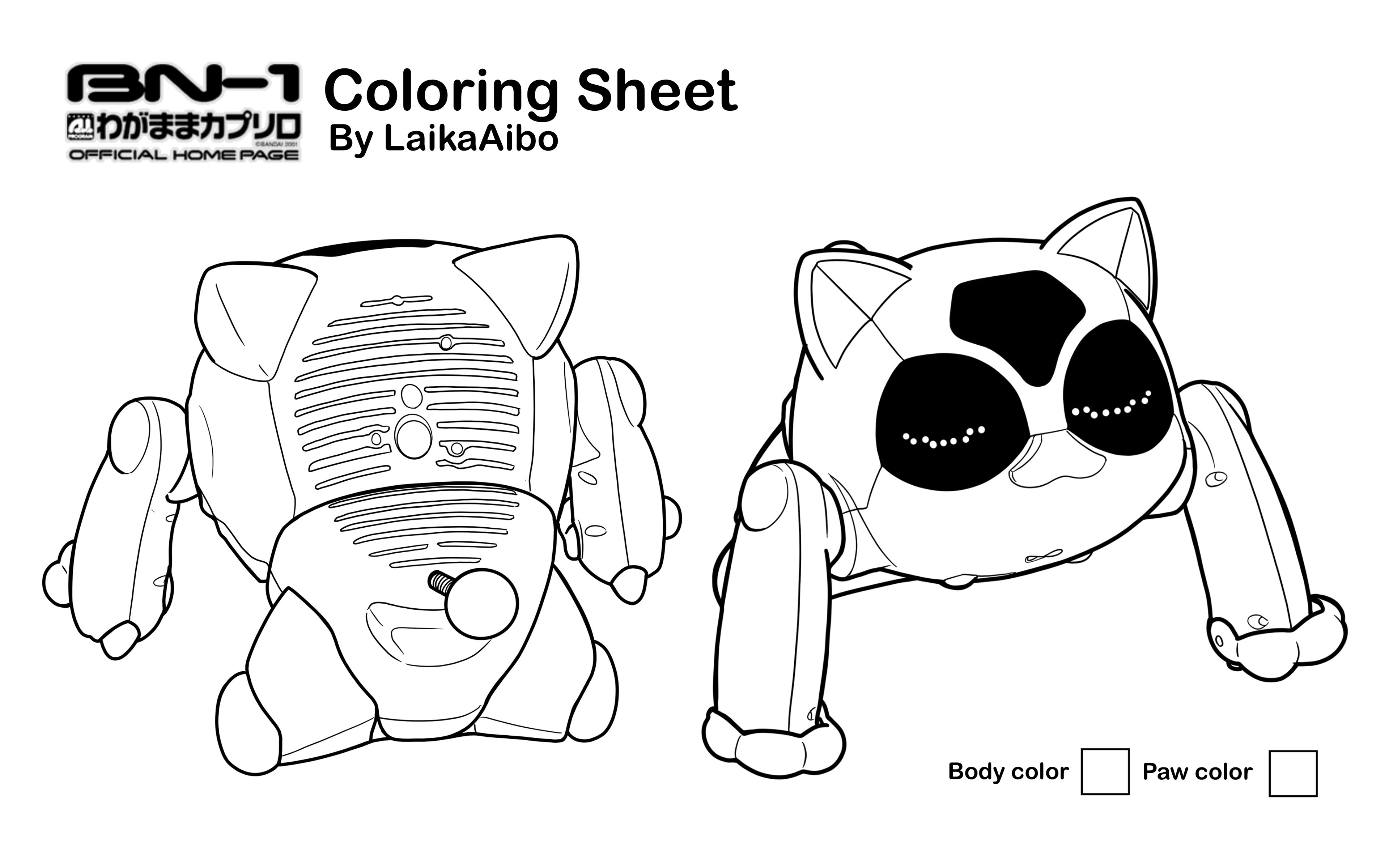
Colouring sheet for Custom Planning
Press Images


BN-1 Specifications
Accessories:
ID Swing (with infrared identification signal function)
Battery
Dedicated charger
Robot
Body Color White (1 color)
Body size: Approx. 150mm x 220mm x 140mm (basic posture)
Body weight: Approx. 780g (including battery)
Power supply: Main battery (NiCd 6V 1.5Ah)
Backup battery (NiMH 3.6V 70mAh)
Operating time: 1 hour or more continuously (according to our specified operation)
CPU: 16-bit microprocessor x 1
8-bit microprocessor x 3 (one of which is ID swing)
Program supply method: Infrared communication method
(Communication adapter sold separately: Scheduled for release in summer 2001)
Movement: Shoulders: 320-degree joint x 2
Waist: 320-degree joint x 1
Forelegs: Wheels x 2
Display: Eyes: "Graphic Eye"
8x8 dot matrix 3-color LED display x 2
Back: Indicator LED
Audio: Built-in speaker and sound source IC
Built-in sensors
(7 types, 13 names)
Type
Sensor name
Installation location
Infrared object sensor Forehead, right ear, left ear, back
Throat stroking sensor: Throat
Flickering sensor: Forehead, right ear, left ear, back
Gesture sensor: Forehead
Light pheromone sensor: Forehead, right ear, left ear, back
Posture: Posture sensor (internal)
Shake sensor (internal)
Sound: Sound sensor (back)
Contact: Paw sensor (right front paw, left front paw)
Light: Brightness sensor (back)
Petting sensor (back)
Voltage: Voltage sensor (internal)
Rotation: Movement sensor (hind legs)
BN-1 Website
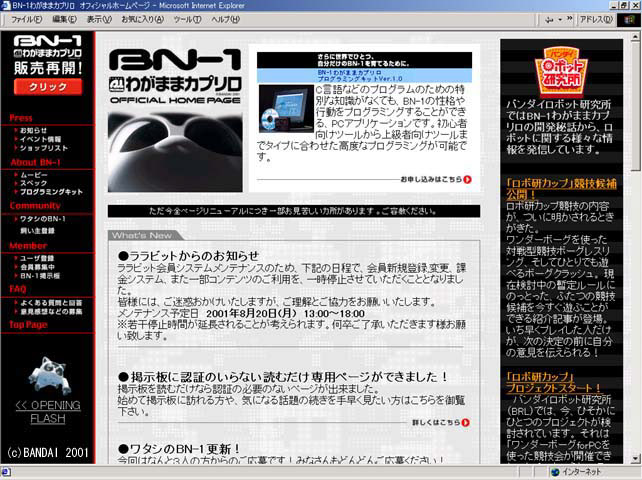
The official website used to be very active back in the day, announcing event appearances, media coverage, companion products and competitions.
Under the Hood
View of the BN-1s front facing sensors and LED array with the external; plastics removed. Doesn't look too cat-like now, huh?

In Media